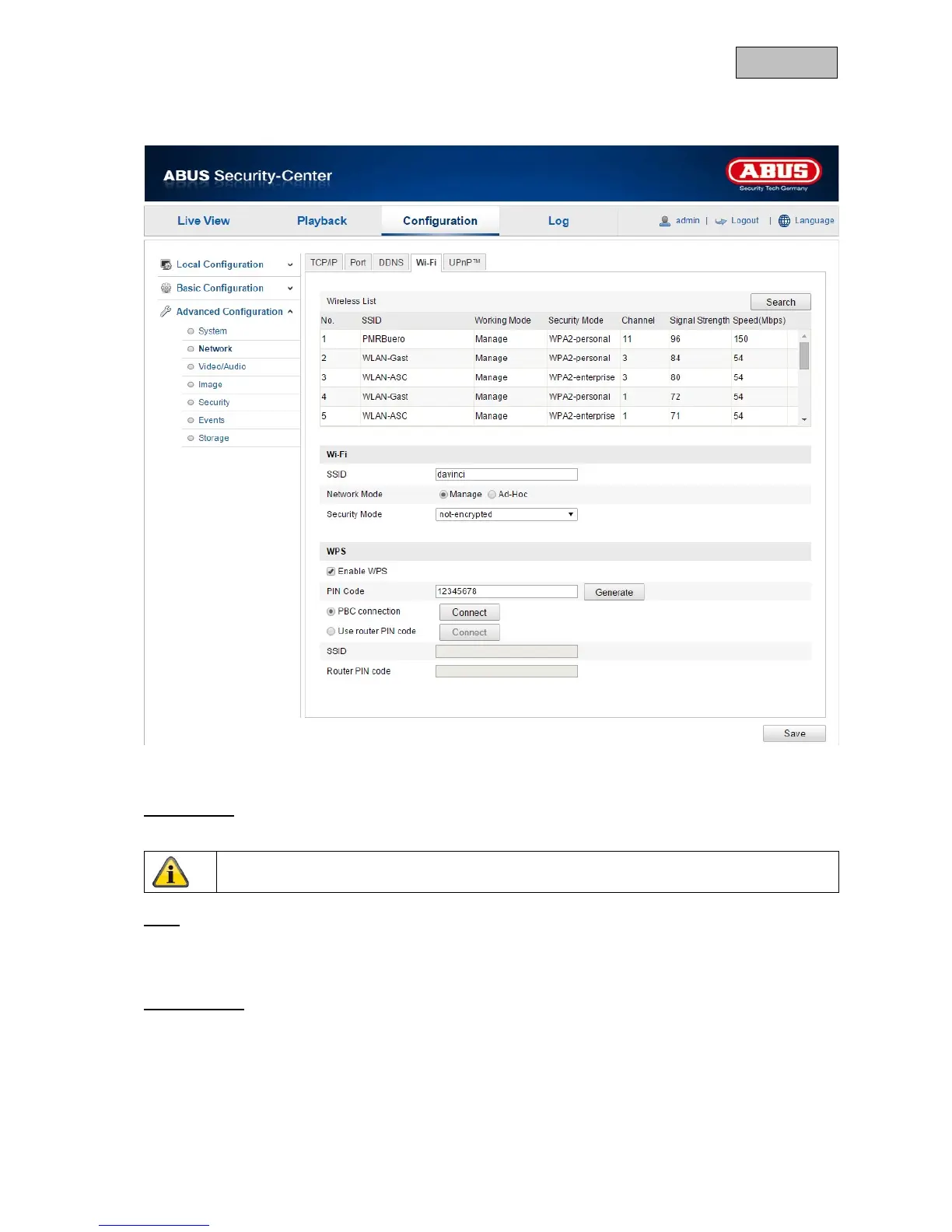
12.3.2.4. Wi-Fi
The following settings must be made to create a Wi-Fi connection between the camera and the router.
Wireless List
Click “Search” to display available networks in the immediate vicinity.
Wi-Fi
SSID
Enter the name of the network here.
Network Mode
You can choose between Manage and Ad-Hoc here.
Manage
Select this item for a connection to a network.
Ad-Hoc
Select this item for a direct connection to a PC or laptop.



 To Next Page