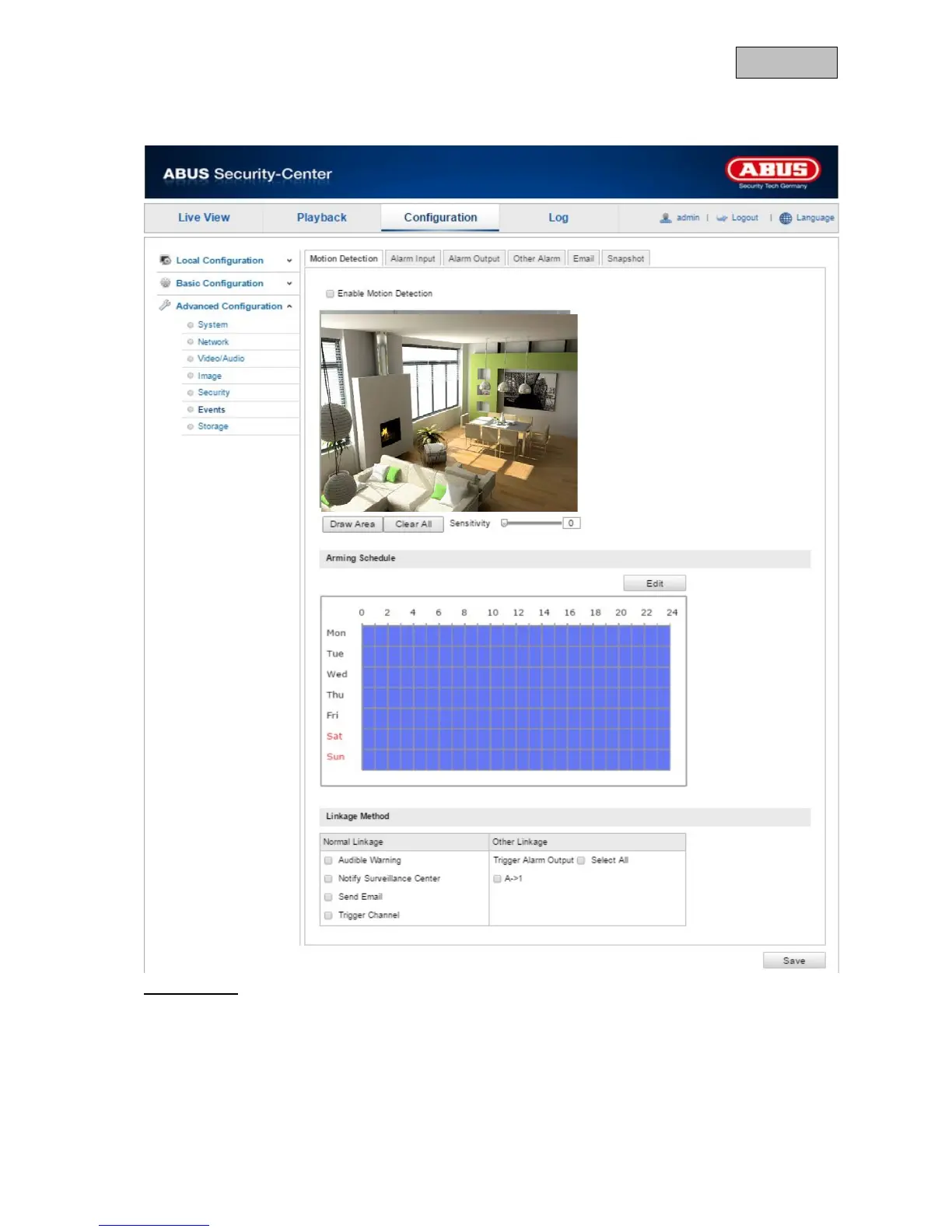
12.3.6.1. Motion detection
Area Settings
Activate motion detection by clicking the "Enable Motion Detection" checkbox.
To select an area, click on the "Draw Area" button. The entire area is selected by default. To discard
this selection, click on "Clear All".
Drag the mouse pointer over the desired area. Set the sensitivity using the regulation control bar. To
apply the setting for the area, click on "Stop Drawing".
Right: high sensitivity
Left: low sensitivity.
122



 To Next Page