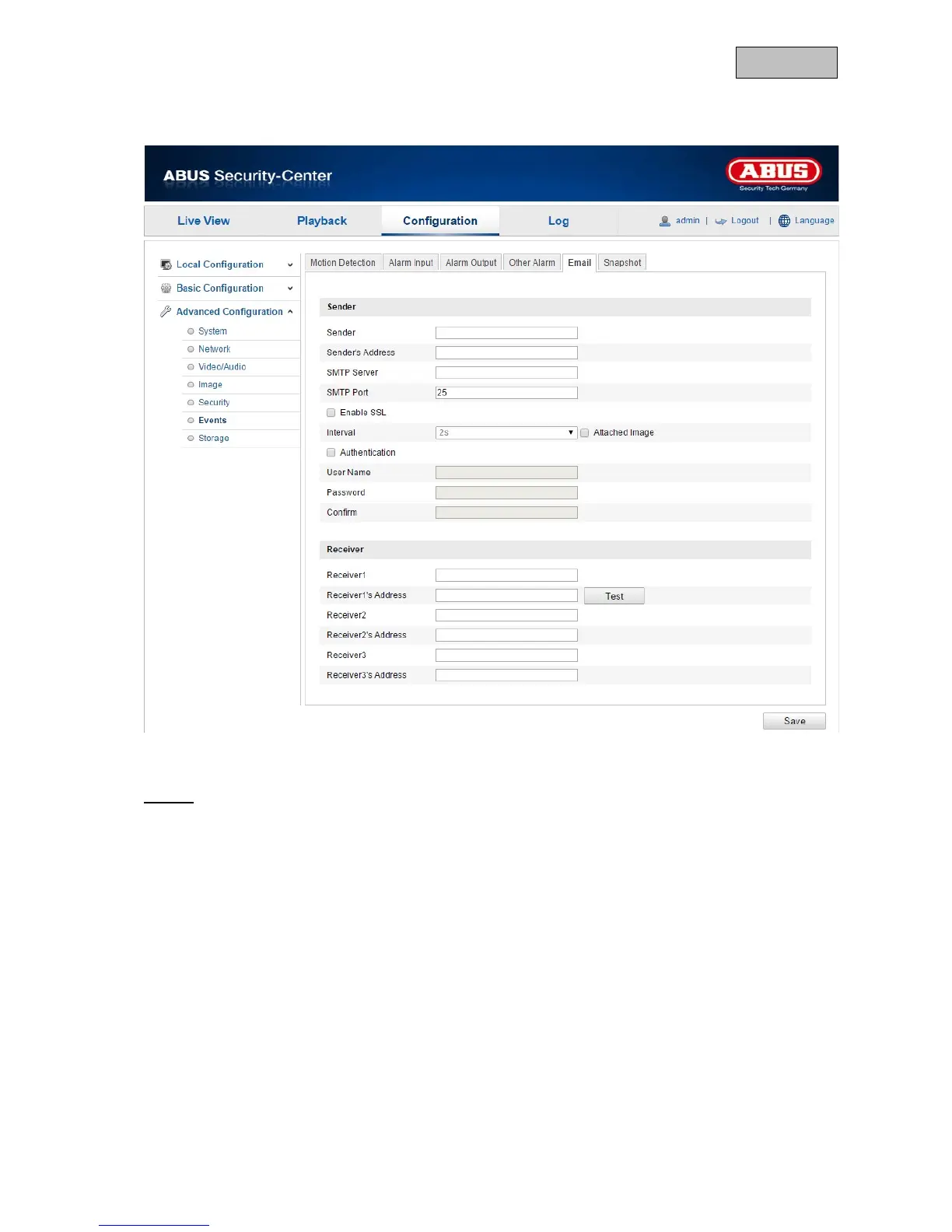
12.3.6.5. Email
You can apply the settings for sending emails here.
Sender
Sender
Enter a name here to be displayed as the sender.
Sender's Address
Enter the email address of the sender here.
SMTP Server
Enter the IP address or host name of the SMTP server here. (For example: smtp.googlemail.com)
SMTP Port
Enter the SMTP port here. This is configured as 25 by default.
Enable SSL
Select the SSL function if the SMTP server requires this.
Interval
Set the interval between sending emails with attached images here.
130



 To Next Page