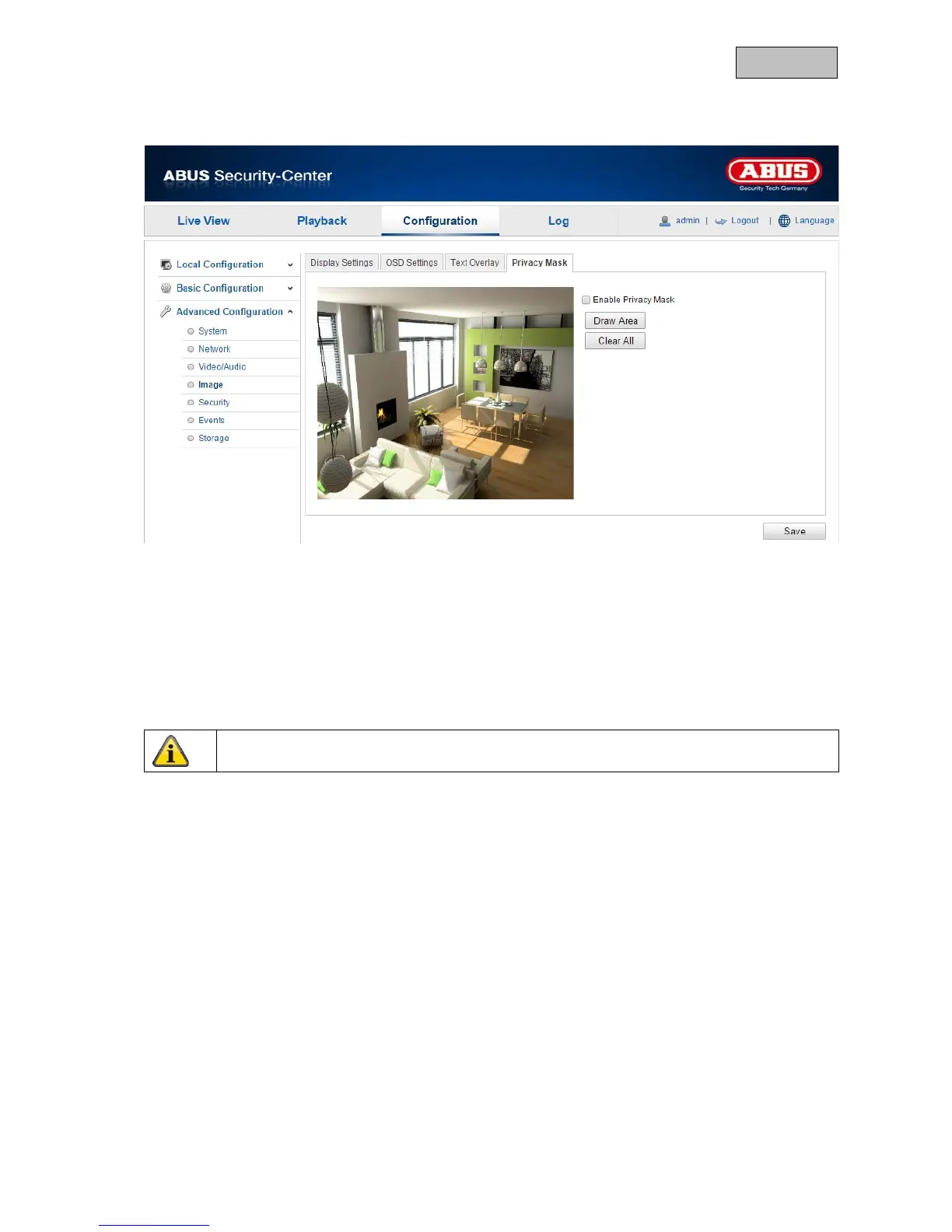
12.3.4.4. Privacy Mask
You can use privacy masks to hide certain areas in the live view to prevent these areas from being
recorded and viewed in the live view. A maximum of four rectangular privacy masks can be set up in
the video image.
To set up a privacy mask, proceed as follows. Select the checkbox
"Enable Privacy Mask". To add a privacy mask, click "Draw Area". You can now select an area on the
camera image using your mouse. You can then select three additional areas. By clicking on "Clear
All", you can delete all configured privacy masks.
Apply the settings by clicking "Save".
117



 To Next Page