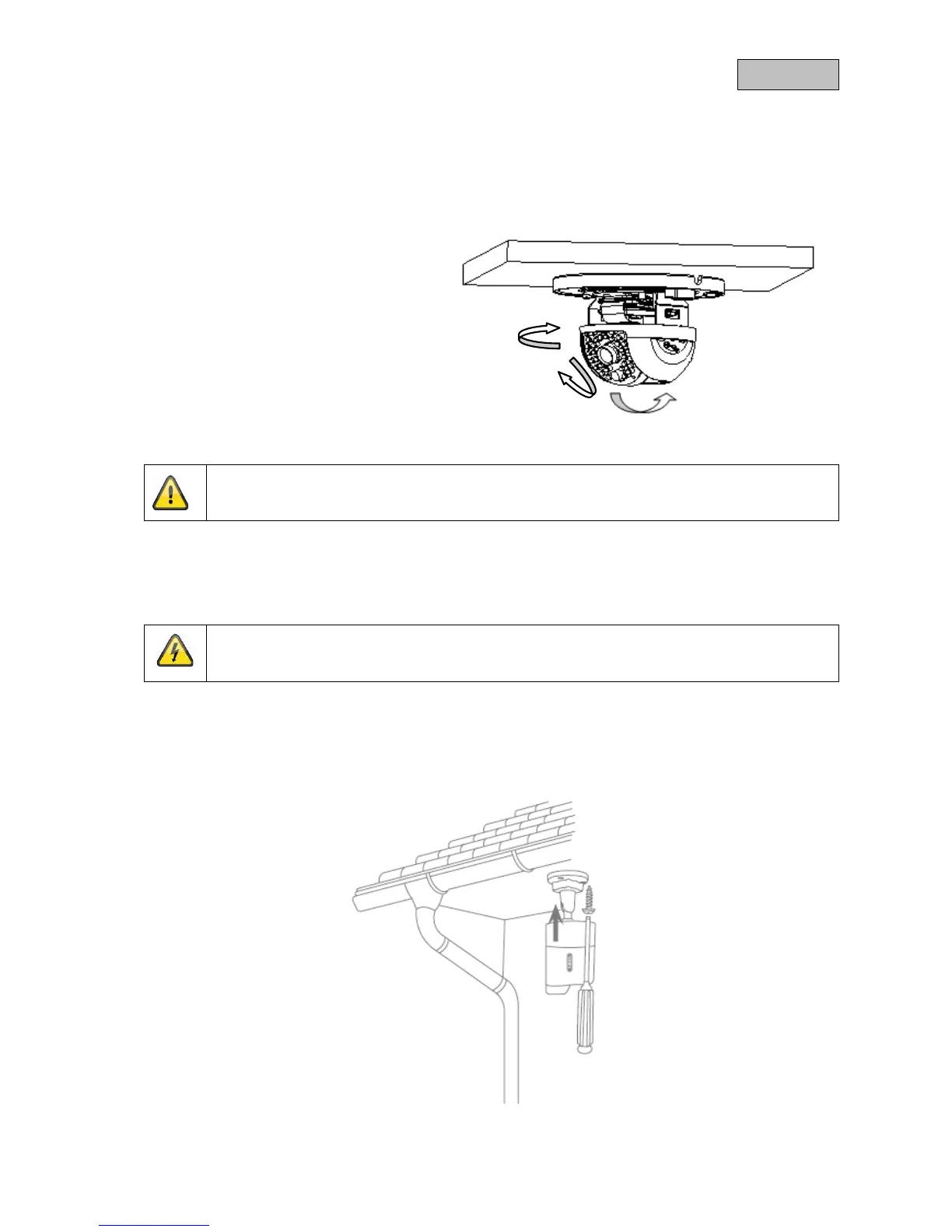
4.1.2. Orientation of the camera
First, undo the black dome cover. Loosen the screws at the side of the bracket to align the lens.
The camera can be aligned in three axes.
Setting the panning angle.
Panning: 0°–355°
Setting the angle of inclination.
Inclination: 0°–65°
Setting the angle of rotation.
Rotation: 0°–360°
Do not forget to tighten up the screws again!
4.2. TVIP61560
4.2.1. Mounting the camera
IMPORTANT!
The camera must be disconnected from the power supply during installation.
Use
the accompanying drilling template for drilling the mounting holes.
Secure the base plate with the screws and dowels provided.



 To Next Page