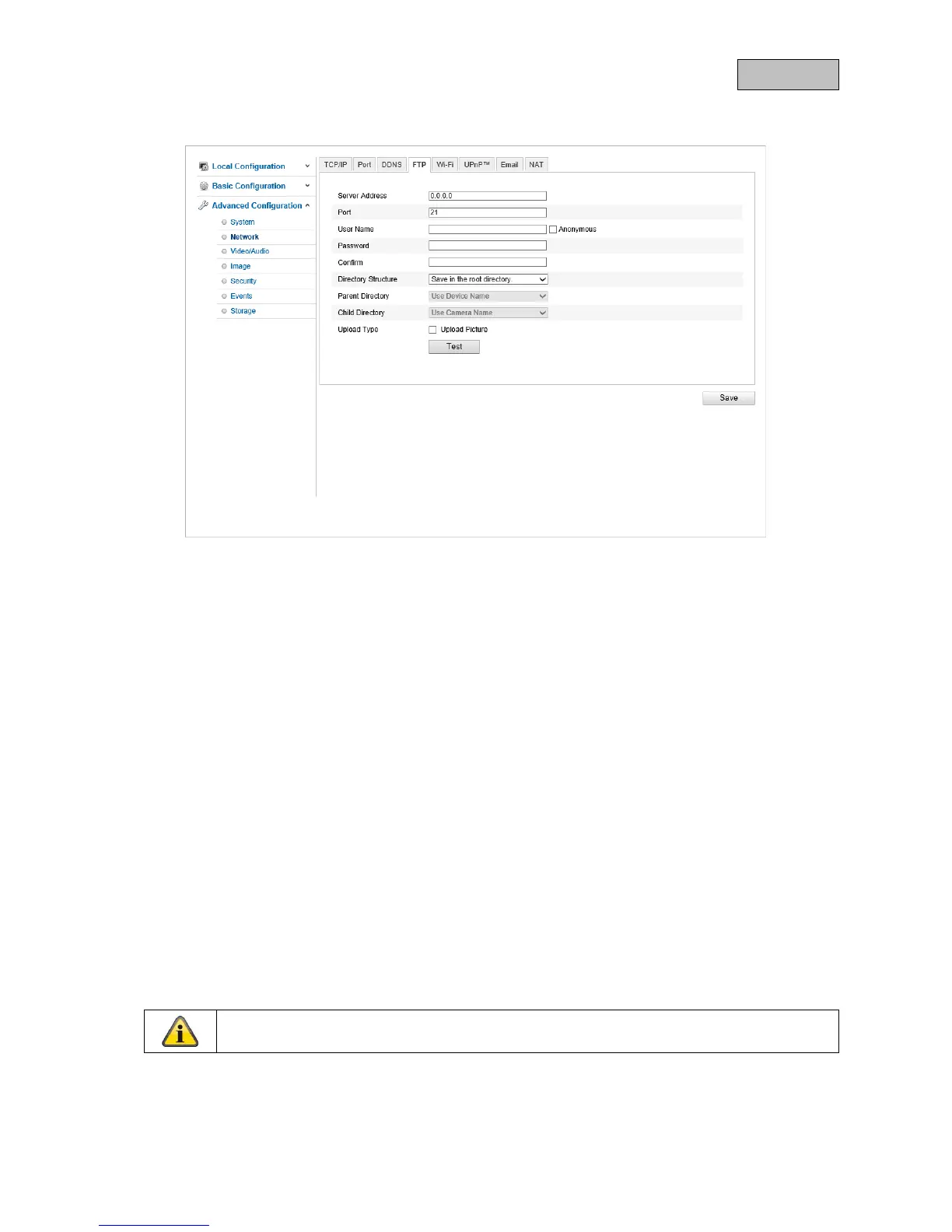
10.3.2.4. FTP
Server Address
Enter the IP address or host name of the FTP server to which images are to be uploaded here.
Port
Enter your FTP server's port here. Ports 21 or 20 are used as standard.
User name
Enter the user name here. Make sure that the user has the necessary permissions on the FTP server.
Password
Enter the user's password here.
Confirm
Confirm the password by entering it again.
Directory Structure
Adjust the saving path on the FTP server here.
Upload Type
Select this checkbox to upload an image to the FTP server in the event of an incident.
Make sure that the FTP server is only used for the event-triggered snapshot (see Events –
Snapshot).
105



 To Next Page