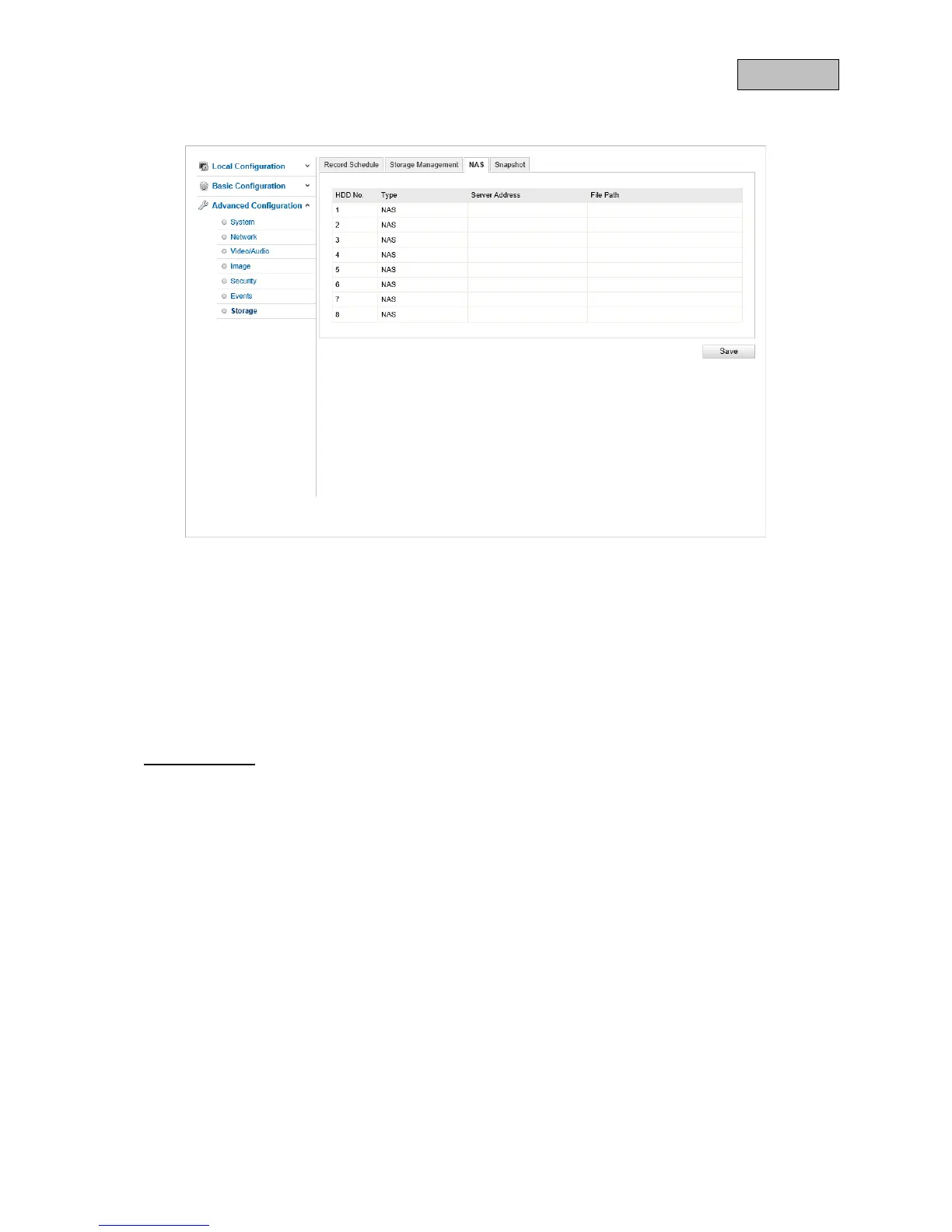
10.3.7.3. NAS
You can configure storage of the recordings on up to eight NAS devices here. Click in a row to specify
server address, file path, server type, user name and password.
Server Address
Enter the IP address or host name of your NAS or network drive here.
File path
Enter the file path in which the data will be saved.
Installation type
NFS
When using NFS, ensure that the IP address of your camera has the necessary read and write
permissions in the settings in your NAS or network drive folder.
SMB/CIFS
Enter the user name and password to register on your NAS or network drive.
Ensure that the user has the necessary read and write permissions for this particular save location.
134



 To Next Page