77
5. User functions
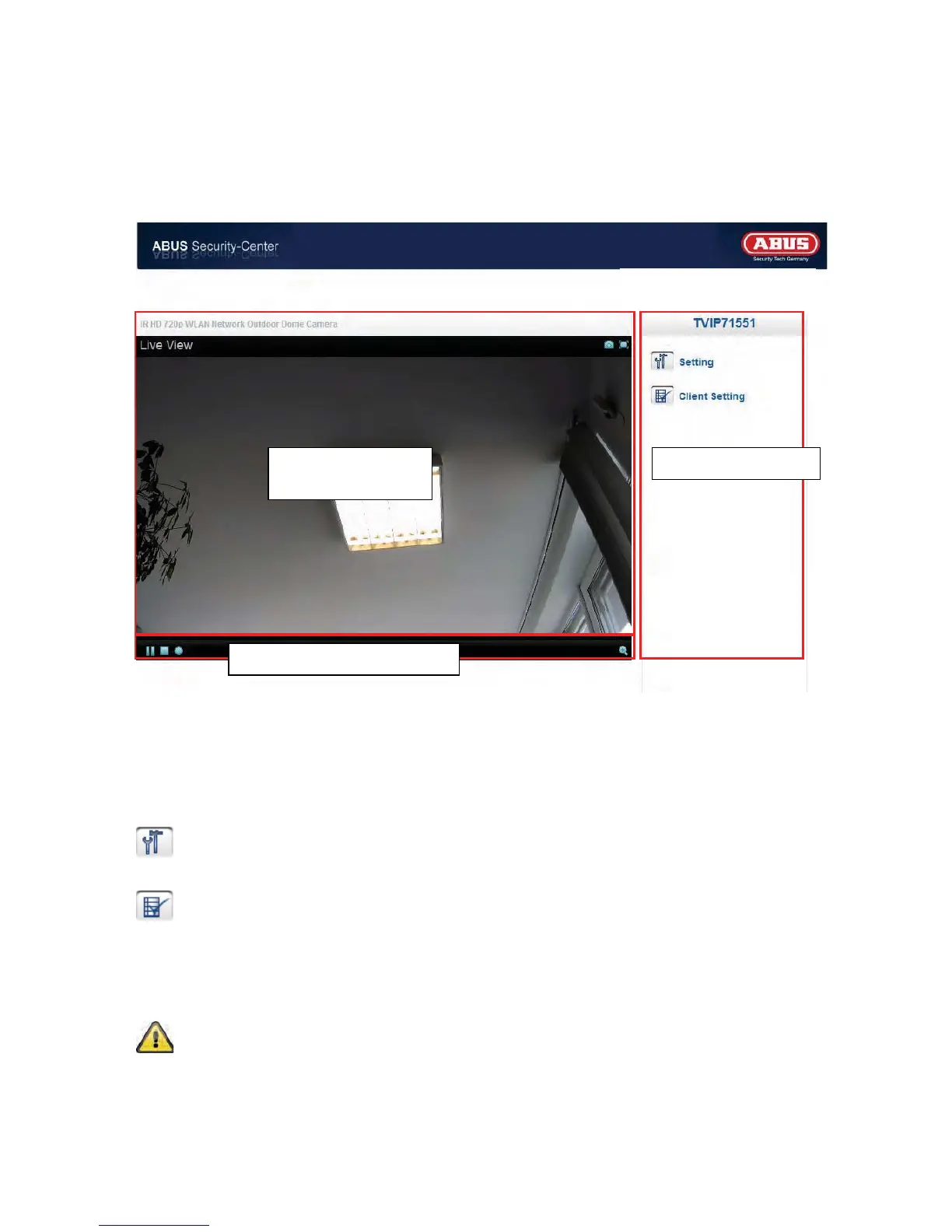
Open the main menu on the network camera. The interface is divided into the following main areas:
Live image display
You can access the full-screen view by double-clicking here (with Internet Explorer only).
Camera settings
Settings (configuration)
Used to configure the camera (administrator settings)
Live options
Mode:
Choose the compression type for transmission of the live image.
View size:
Select a view size.
Auto: Automatic adjustment to the screen size
Original size: Display of the video image in accordance with the set camera resolution (e.g.
1280x720).
Note: The view size specified here relates to the live image shown in the display mode of the
browser. The resolution set in the camera is always transmitted, even when the view size set
here is smaller.
Live image
display
Camera settings
Video control



 To Next Page