105
6.5.2 Event list
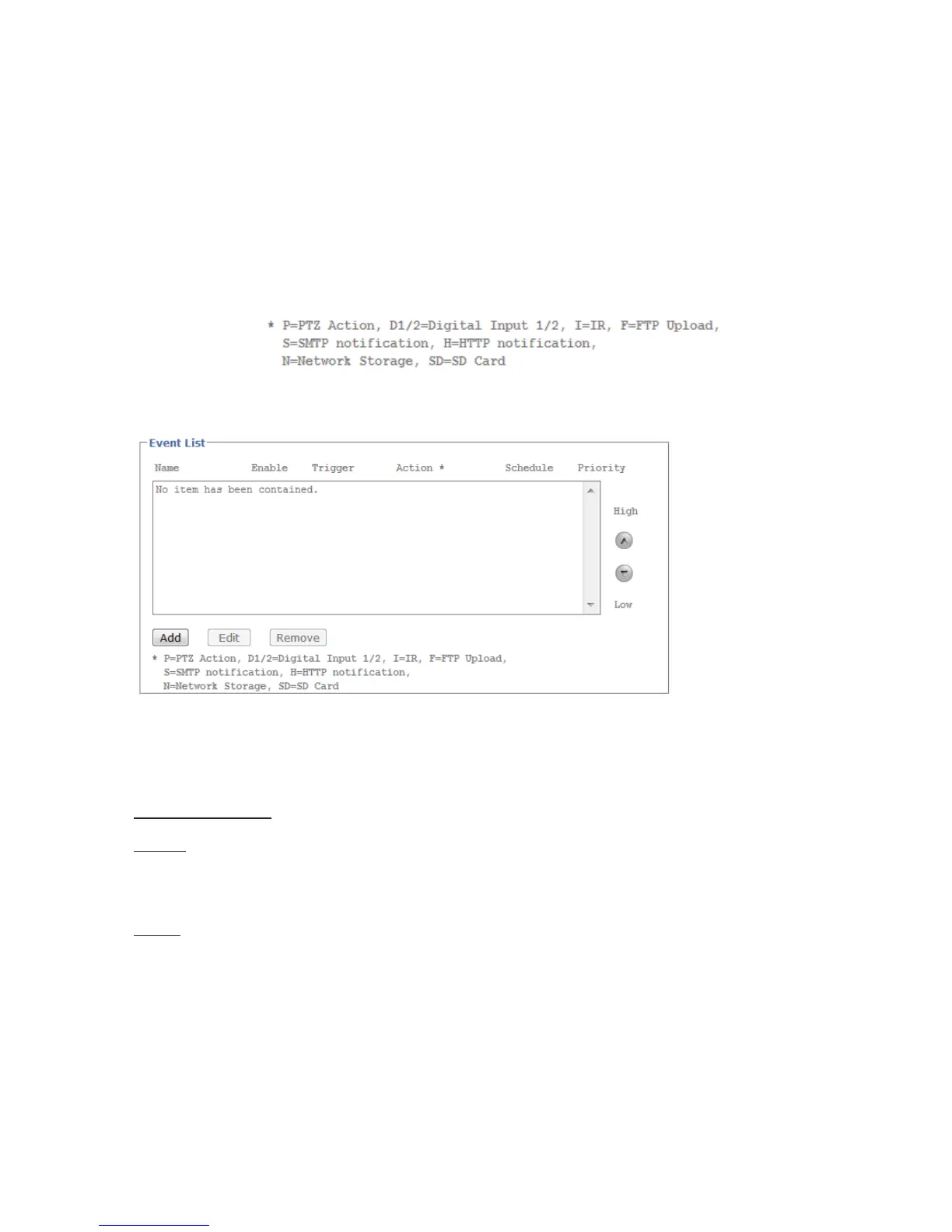
6.5.2.1 Event list
The events list contains all configured event actions.
Name:
Name of the configured event
Enabled:
Shows whether the event is enabled.
Trigger:
Information about the trigger used for the event action
Action:
Information about the action that follows after the event is triggered
Schedule:
Schedule of the event action
Priority:
The camera processes event actions in the order in which they occur. The priority setting
allows certain events to receive priority treatment.
Add:
Add an event action to the event list (-> event configuration).
Edit:
Edit a configured event action.
Delete:
Delete an event action.
Event configuration
General
Name:
Assign a name to the event action.
Event:
Enable or disable the event.
Trigger
Triggered by:
The following options are available as triggers:
Motion detection:
Switching input:
Interval process
Upon restart:
ICR filter:
Storage space warning:
Network connection inactive:
IP notification:
The configuration of the various triggering events are described below.



 To Next Page