109
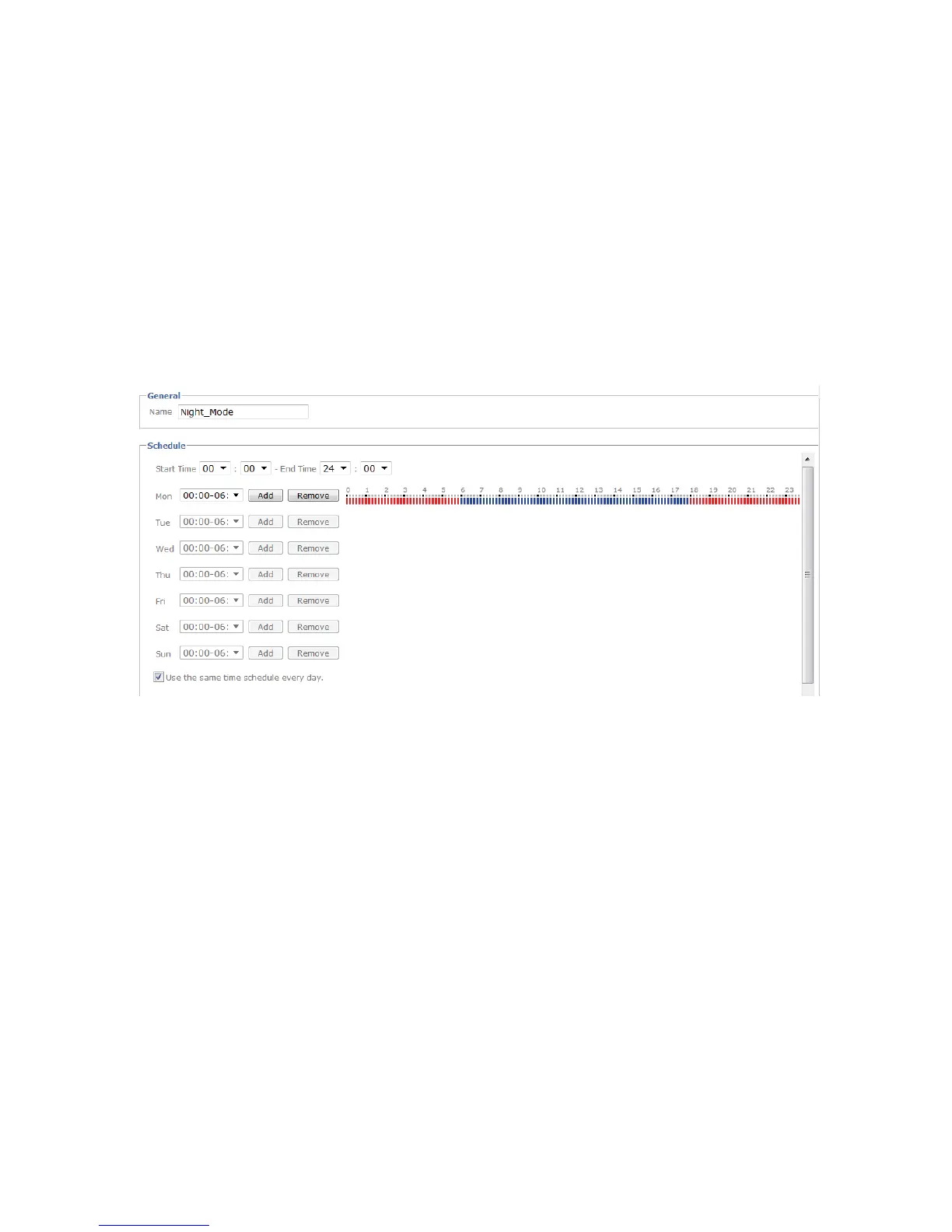
6.5.5 Schedule
Name:
Enter a name for the schedule.
Add:
Press the button to add a schedule to the list.
Edit:
Edit a schedule. Before doing this, select the relevant schedule.
Delete:
Delete a schedule.
Start Time:
Begin of the active time period
End Time:
End of the active time period
Add:
Adds a day to the active time period. Several time schedules can be defined for each
day. Active time periods are marked in red; inactive time periods are marked in blue.
Delete:
Delete a time period that was selected in the selection box of the day.
Use the same time period every day:
The configuration of the day Monday (“Mo”) is used for every
day of the week.



 To Next Page