28
English
2
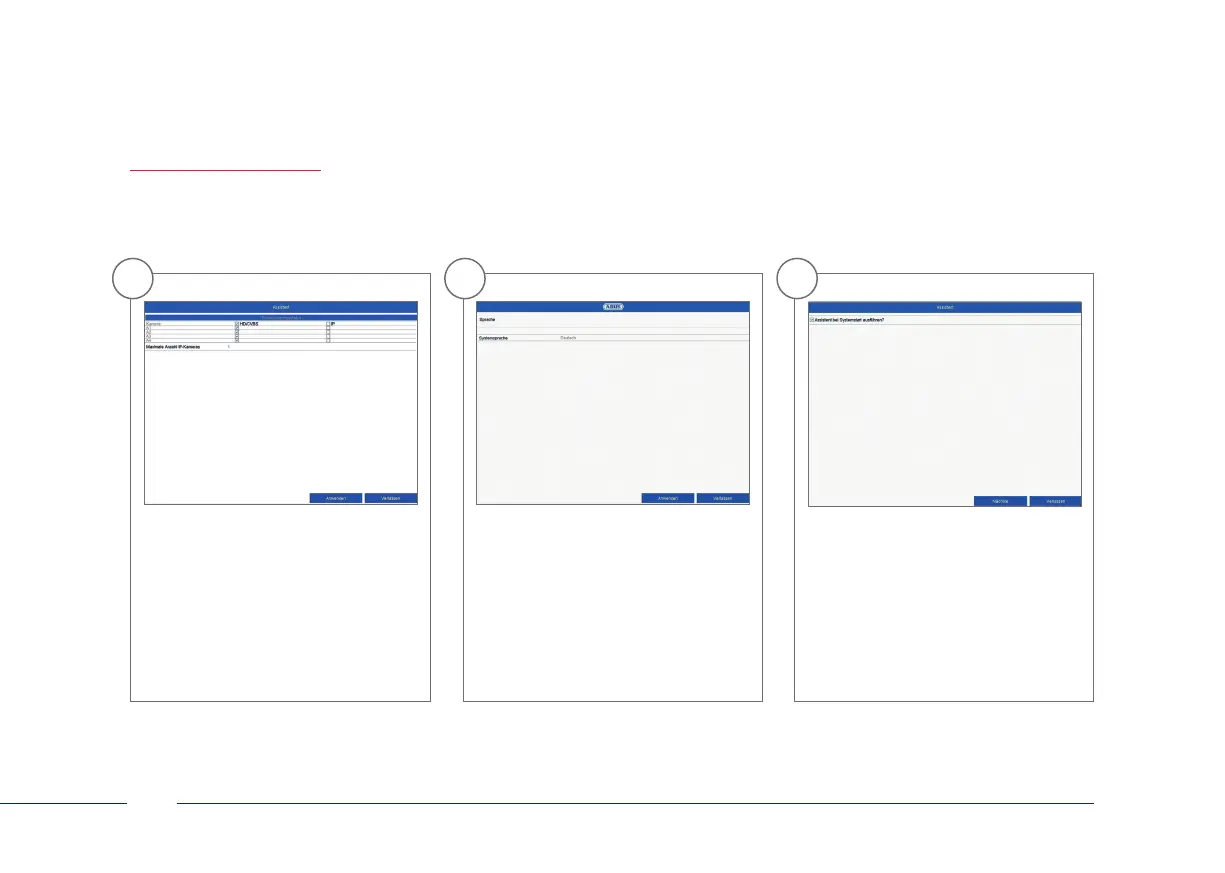
Select the desired language and click
“Apply”.
3
If you untick the checkbox, the set-up
wizard will not automatically pop up
the next time the soware starts up.
Click on “Next”.
1
In the rst step, select whether
you wish to replace analogue HD
channels (for analogue HD cameras)
with IP channels (for IP cameras).
This activates/deactivates the
respective analogue HD BNC
connection. Click on “Next” to
conrm your selection.



 To Next Page