29
English
4
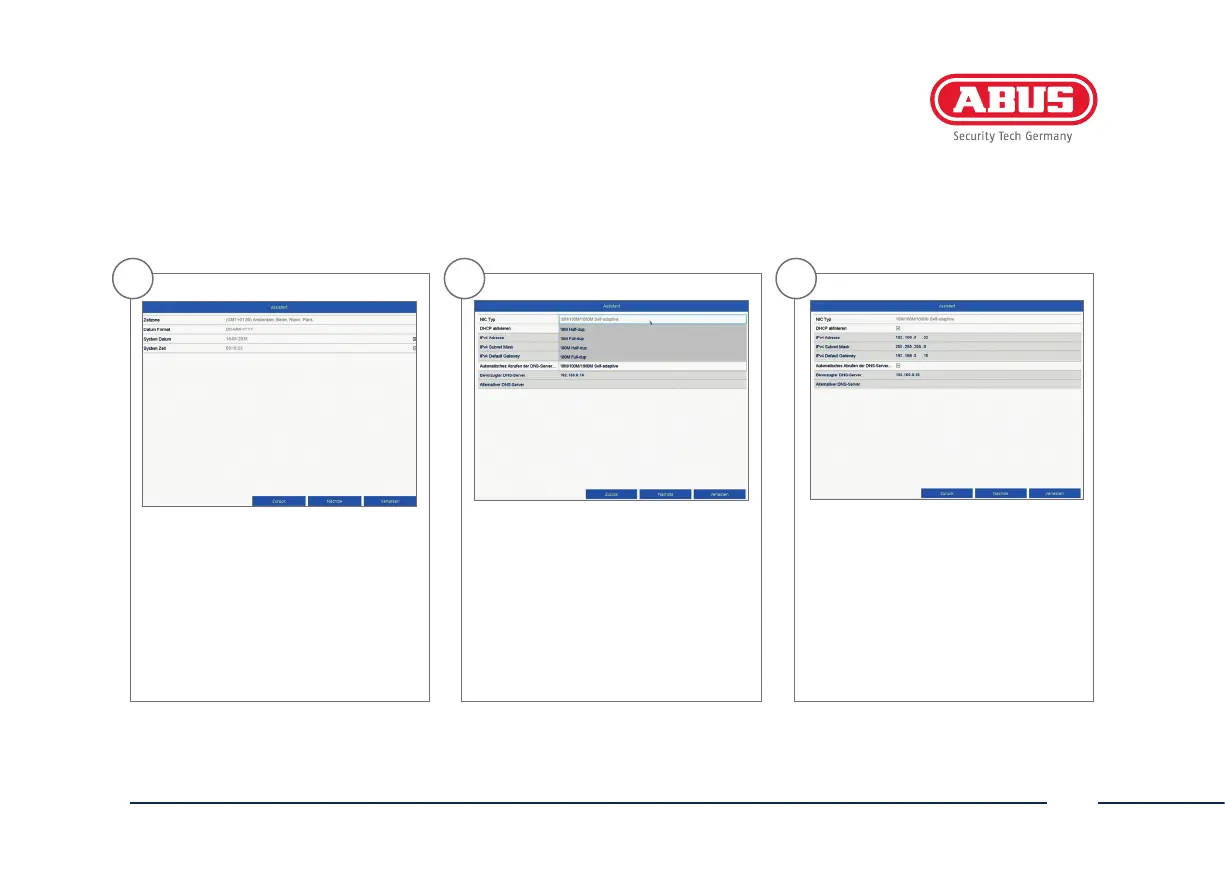
Set the time zone, date/date format
and system time. Close the screen by
clicking “Next”.
6
If you wish the address data to
be automatically assigned, tick
the “Enable DHCP” checkbox. The
addresses will then be automatically
assigned by your router (where
supported).
5
Set the connection speed for “NIC Type”
manually. Automatic detection is preset
and recommended (self-adaptive).



 To Next Page