30
English
9
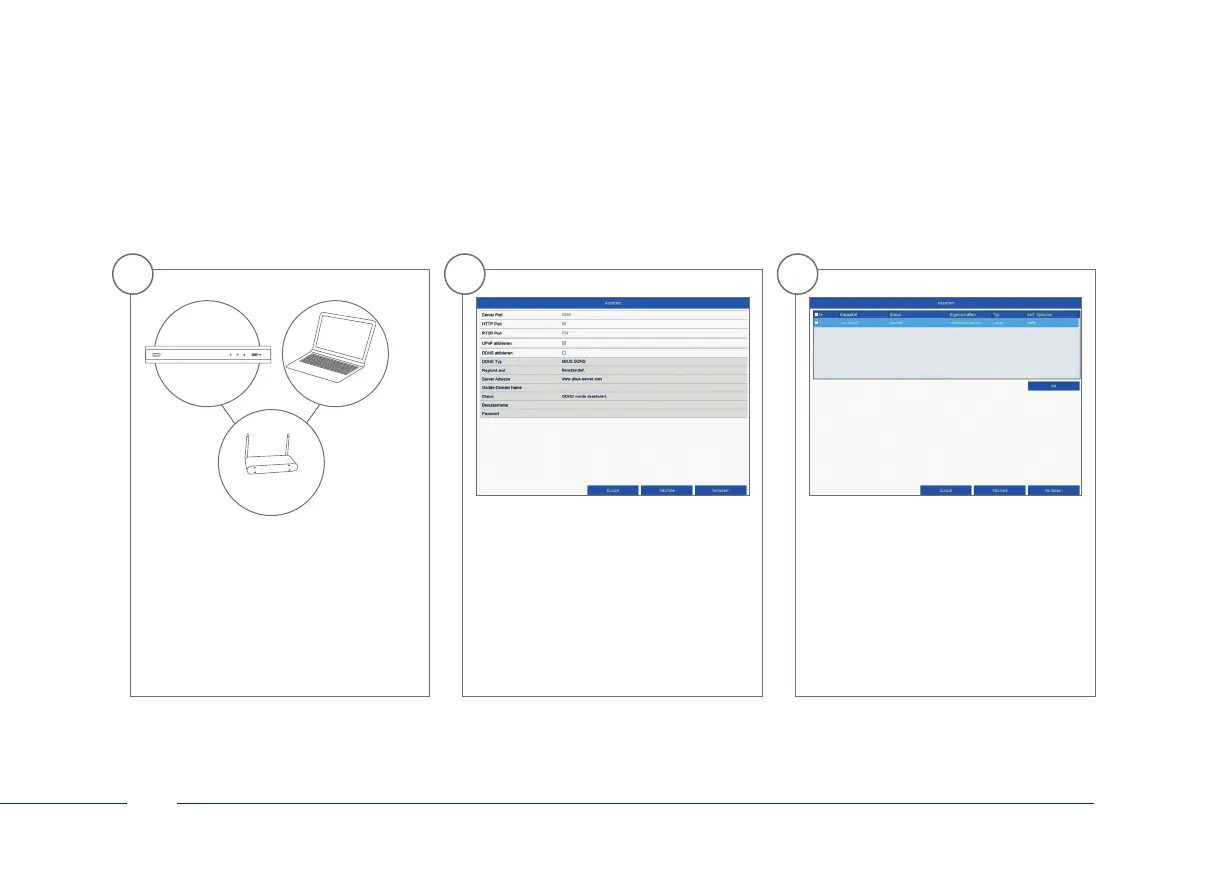
Following installation, the hard
disk drive must be initialised before
use. Select the hard disk drive to be
initialised.
8
You can manage and, if necessary,
edit your ports here.
We recommend that the default
values are maintained.
7
If your router does not automatically
assign the address data, enter the data
according to the following steps.
The image gives an example
of connected devices with the
corresponding IP addresses.
192.168.0.1
192.168.0.25192.168.0.20



 To Next Page