31
English
10
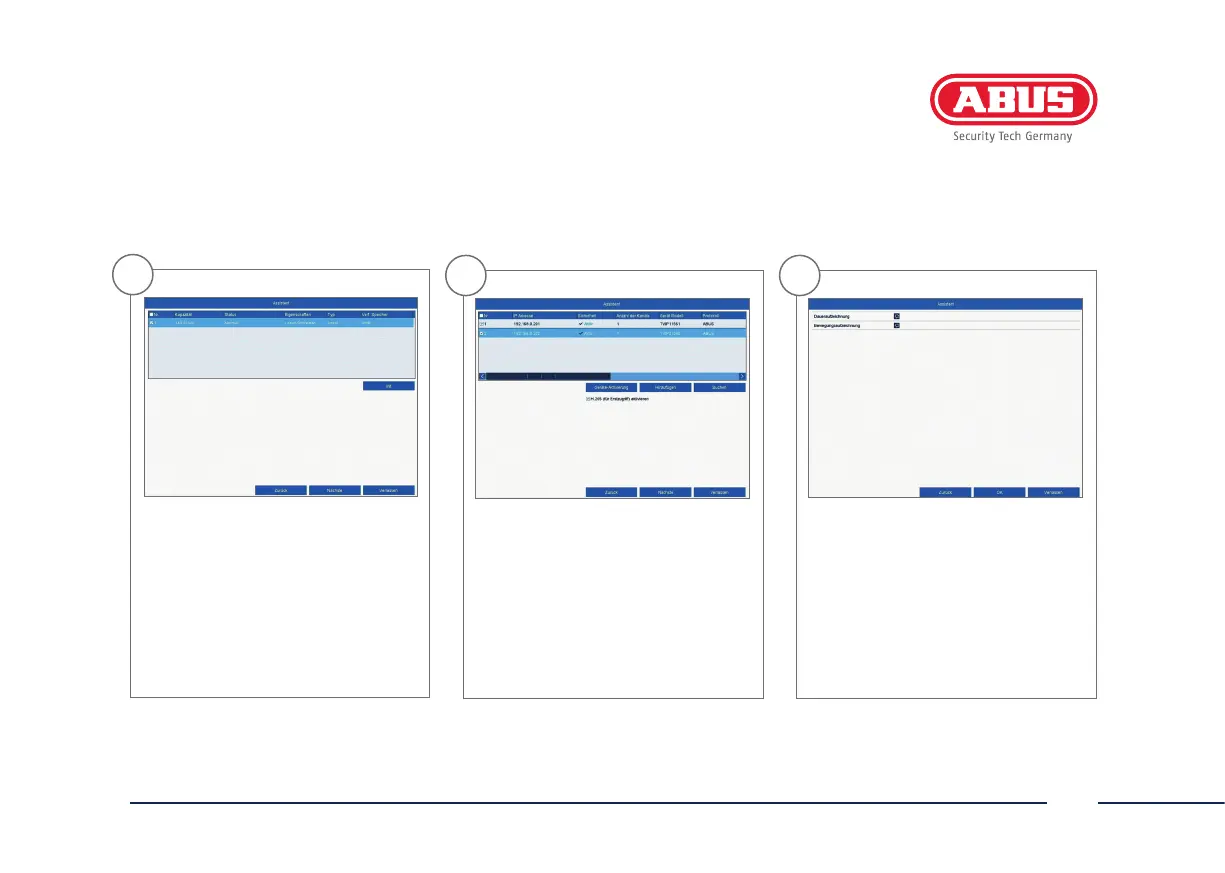
Click on “Init” and conrm the
successful initialisation by clicking
on “OK”. Go to the next screen with
“Next”.
11
If you wish to integrate IP cameras,
click on “Search” to look for available
IP cameras in the network. You can
then select and add the cameras.
Go to the next screen with “Next”.
12
Select the recording type. You can
choose between “Continuous”
and “Motion detection”.
Close the set-up wizard by
clicking “OK”.



 To Next Page