14
PROGRAMMING
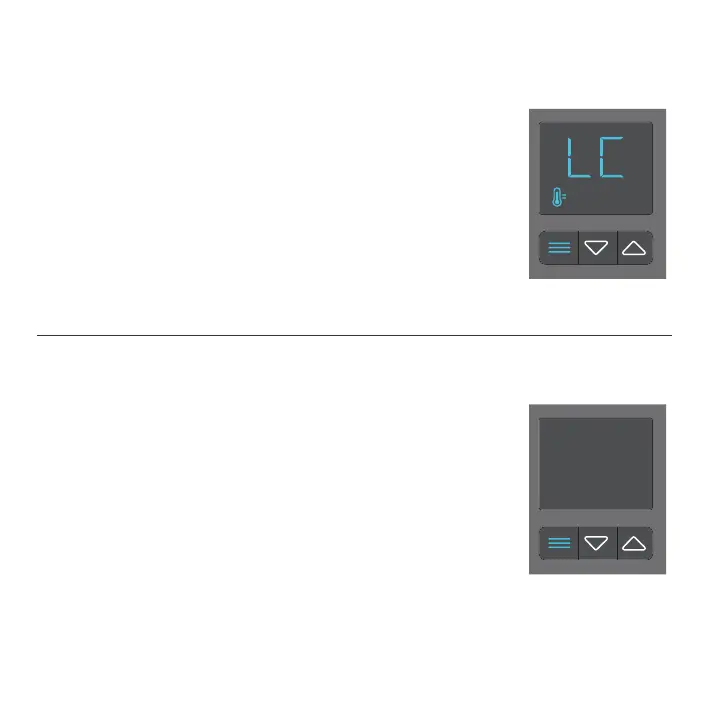
CONTROLLER LOCK
To lock the controller, go to the temperature display mode
and then hold the mode button for three or more seconds.
While the display is locked, you will not be able to switch
modes or adjust settings, but they will be working in the
background. Holding the mode button for three or more
seconds will unlock the controller.
NOTE: Only In Temperature Display Mode, holding the mode button will cause the display to lock!
HIDE DISPLAY
While the controller is locked, you can hide the display
and turn off its backlight by pressing the mode button.
All programs and settings will still be working in the
background while the display is hidden. Press any button
to show the display again.




 To Next Page