42
2
1
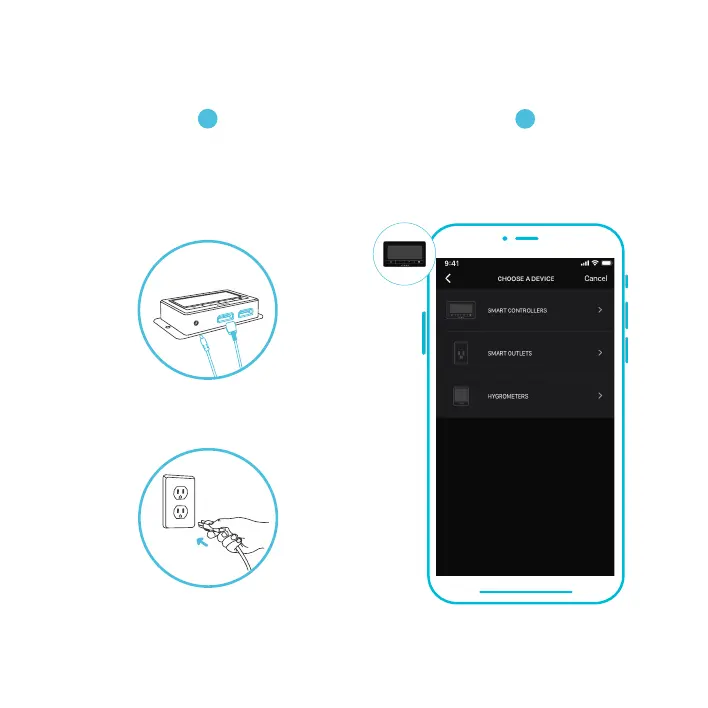
ADD A DEVICE
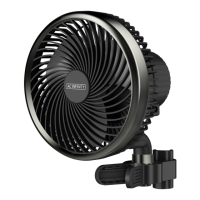
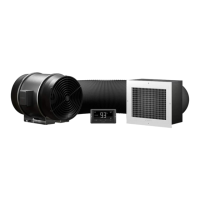
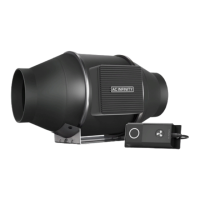
Connect the fan and probe into your controller.
Plug the fan into a wall outlet.
Launch the app. Tap the (+) button, then
"SMART CONTROLLERS", and select
CONTROLLER 67 to begin pairing.
Please note: Bluetooth must be enabled on your mobile device before starting the pairing process.

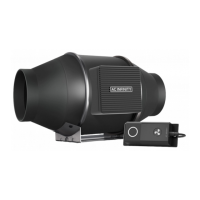

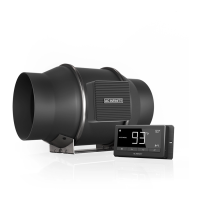
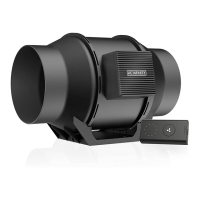

 To Next Page