6
INSTALLATION
STEP 2
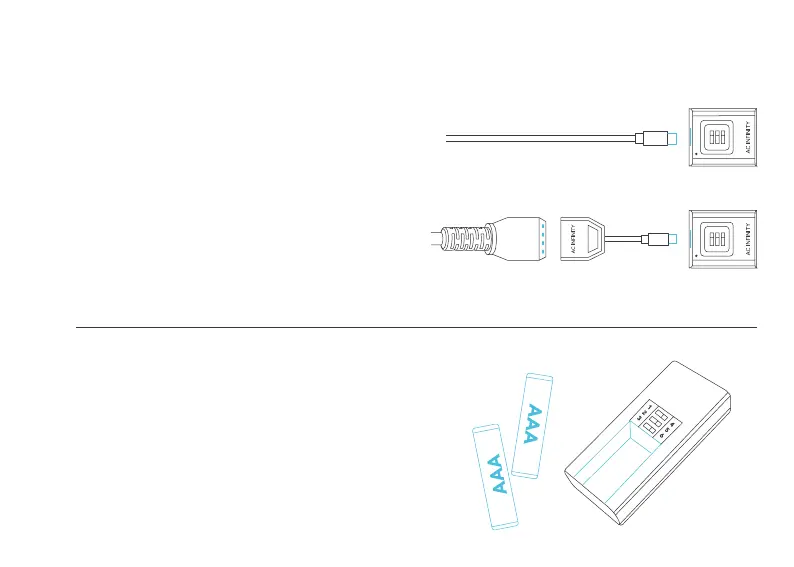
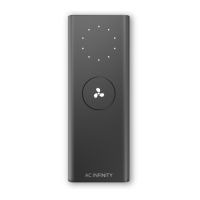
Insert the two AAA batteries into the wireless
receiver controller.
USB Type-C
Molex Connector
4
3
2
1
STEP 1
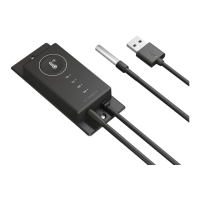
Plug your device’s USB type-C connector into the
wireless receiver.
FOR DEVICES WITH MOLEX CONNECTORS: If your
device uses a 4-pin molex connector instead of USB
type-C, please use the included molex adapter. Plug
the device’s 4-pin molex connector into the adapter,
then plug the wireless receiver into the USB type-C
end of the adapter.


 To Next Page