Need help?
Do you have a question about the AC Infinity CTR75A and is the answer not in the manual?
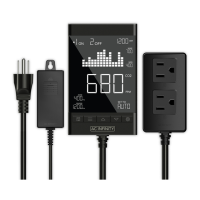
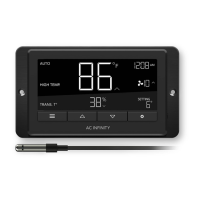
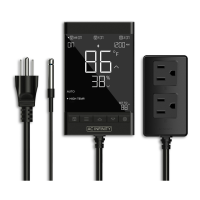
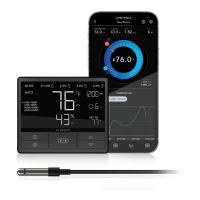
Features automation controls based on temperature, humidity, timers, and schedules.
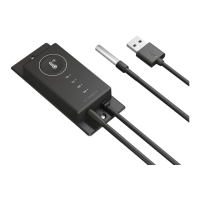
Plug the sensor probe into the 3.5mm port on the controller.
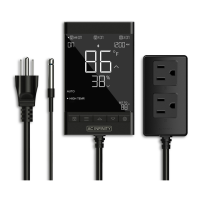
Insert the power plug into a wall outlet to power the controller.
Plug your device into one of the controller's two sockets to power it.
Set simultaneous programming for all plugged-in devices.
Set individual programming for each plugged-in device.
Device remains off regardless of environmental or time-based triggers.
Device remains on regardless of environmental or time-based triggers.
Sets a high temperature threshold to turn devices ON or OFF.
Sets a low temperature threshold to turn devices ON or OFF.
Sets a high humidity threshold to turn devices ON or OFF.
Sets a low humidity threshold to turn devices ON or OFF.
Sets a countdown for the device to turn ON after being OFF.
Sets a countdown for the device to turn OFF after being ON.
Sets continuous ON and OFF durations for device cycling.
Sets daily ON and OFF clock-time schedules for the device.
Adjusts the temperature sensor probe's reading accuracy.
Adjusts the humidity sensor probe's reading accuracy.
Creates buffer zones for temperature/humidity triggers to prevent rapid cycling.
Sets buffer for high temperature triggers, defining trigger-off point below set point.
Sets buffer for low temperature triggers, defining trigger-off point above set point.
Sets buffer for high humidity triggers, defining trigger-off point below set point.
Sets buffer for low humidity triggers, defining trigger-off point above set point.
Resets controller to factory settings, clearing all user parameters.
Instructions for powering the device and initiating pairing with the app.
 General
| Brand | AC Infinity |
|---|---|
| Model | CTR75A |
| Category | Controller |
| Language | English |


 To Next Page