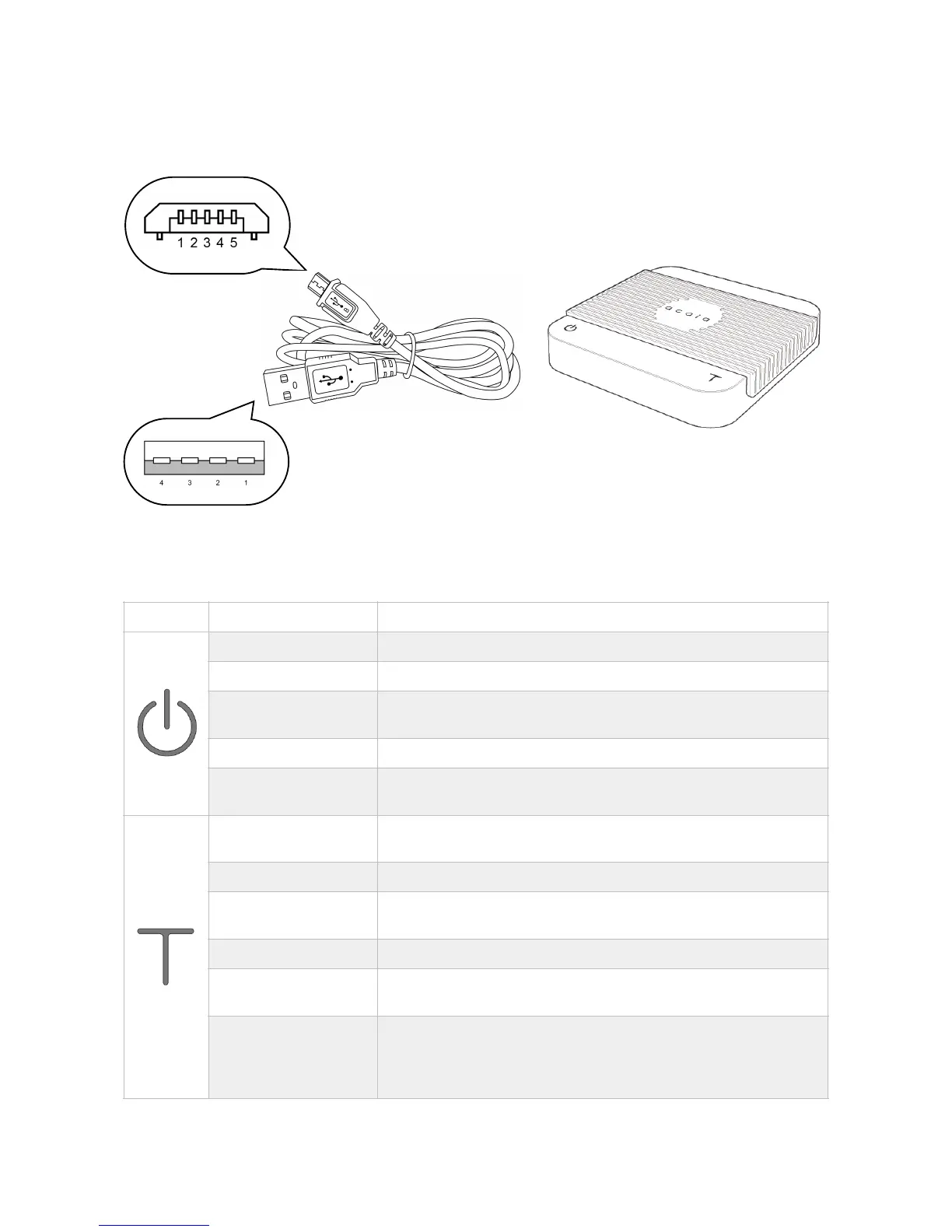
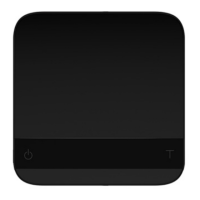
Accessories
Buttons
* Please see Chapter 3: Basics for more details.!
Press and hold for 0.5 seconds to turn on the scale.
Press and hold for over 3 seconds to turn off the scale.
While the scale is turned on, press and hold for 1 second to switch
mode: Weighing Mode / Timer Mode / Timer/Weighing Mode.
While in Timer Mode, press to start or pause timer.
While in Setup Mode, press to go back to Weighing Mode from
menu tree.
While in Weighing Mode and Timer-Weighing Mode, press to make
tare operation.
While in Weighing Mode, press and hold to switch weighing unit.
While in Timer Mode and Timer-Weighing Mode, press and hold to
reset timer.
While in Setup Mode, press to switch options.
While in Setup Mode, press and hold for 1 second to confirm the
option selected.
1. While in Weighing Mode, continuously press multiple times to
enter Calibration Mode.
2. While in Calibration Mode, continuously press multiple times to
enter Creep Compensation Mode.
Chapter 1: Scale at a Glance 6


 To Next Page