Installing the Wheelchair Mounting Plate
With the mounting plate in place, the device can be mounted on a table stand or a wheelchair
mount. If you purchased the wheelchair mounting plate, you received the mounting plate and
three screws in a plastic bag.
If you ordered a separate NuEye™ Tracking System, a different mounting plate will be
needed. Instructions are included with your NuEye unit.
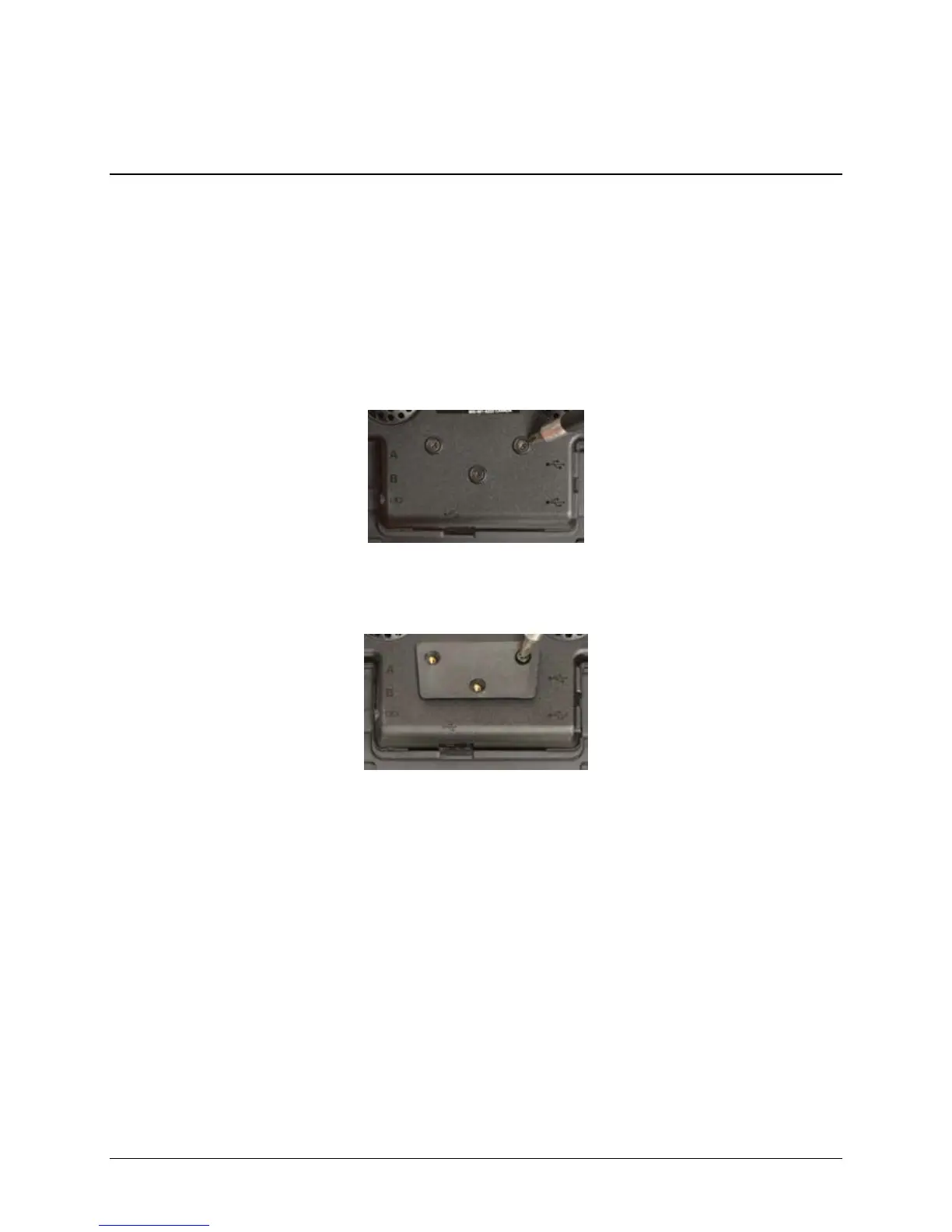
Place the device face down on a flat surface. Be careful not to scratch the display.
Remove the three screws on the connector module.
Place the mounting plate over the screw holes.
Attach the mounting plate to the module using the screws included with the plate.
Accent 1000 Hardware Manual 11



 To Next Page