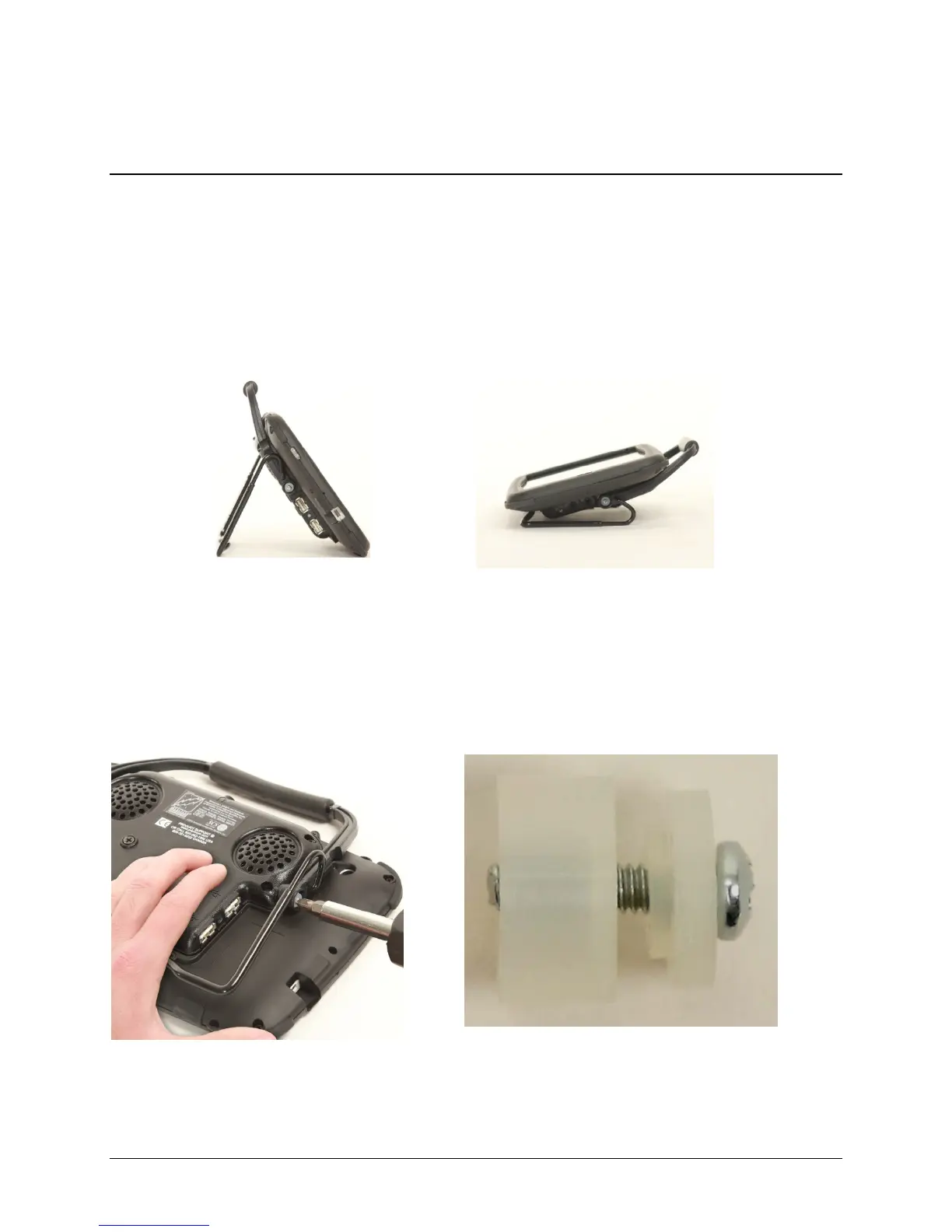
Carry Handle and Wire Stand Options
Note: Your device may look slightly different from the device shown in the pictures. You will
need a Phillips screwdriver.
Option 1: Carry Handle plus Wire Stand
The device is shipped with the handle in the carrying position and the two-position wire stand
attached. Many customers prefer this option because it provides a carry handle and a stand
that can be moved with one hand.
The handle can also be used as a stand and moved to various positions. Moving the handle is
described in Option 3.
Option 2: Non-Adjustable Handle
If you prefer to “lock” the handle even more securely in the carry handle position, you can
follow the instructions below for installing the two (2) cup washers provided.
Remove the screw and washer
from both sides of the handle
Slide the cup washer over the screw, insert
in the handle, and tighten the screw
(open side)
(Not essential)
Accent 1000 Hardware Manual 12



 To Next Page