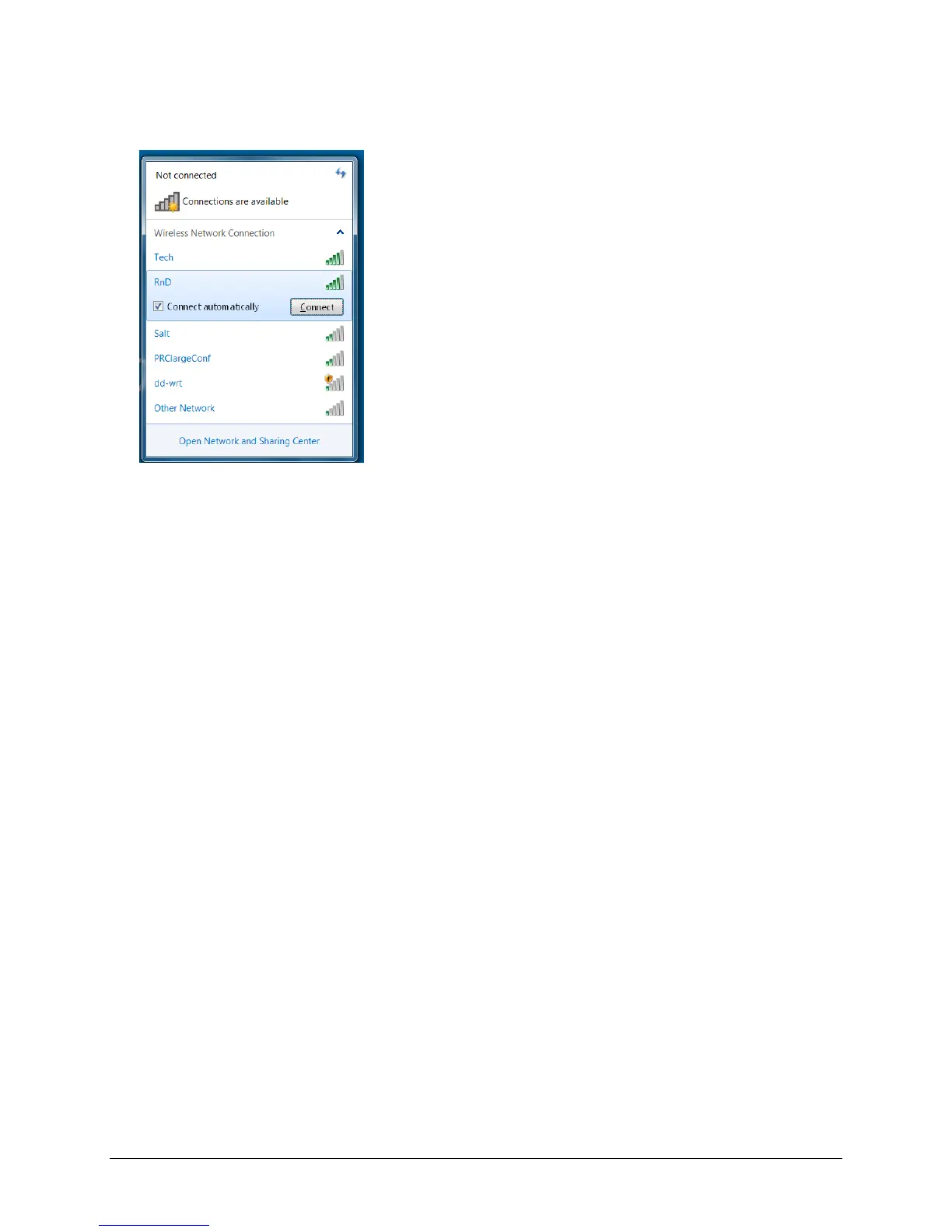
9. Select the network you want to connect to.
10. Select Connect.
11. Follow the directions on your display.
12. You may need to enter a network key or password.
13. When you are connected, the Wi-Fi icon in the task bar changes to bright white
14. Exit the menu and go to the Internet to test the connection.
Accent 1000 Hardware Manual 23



 To Next Page