Accent 800 User’s Guide: NuVoice 8
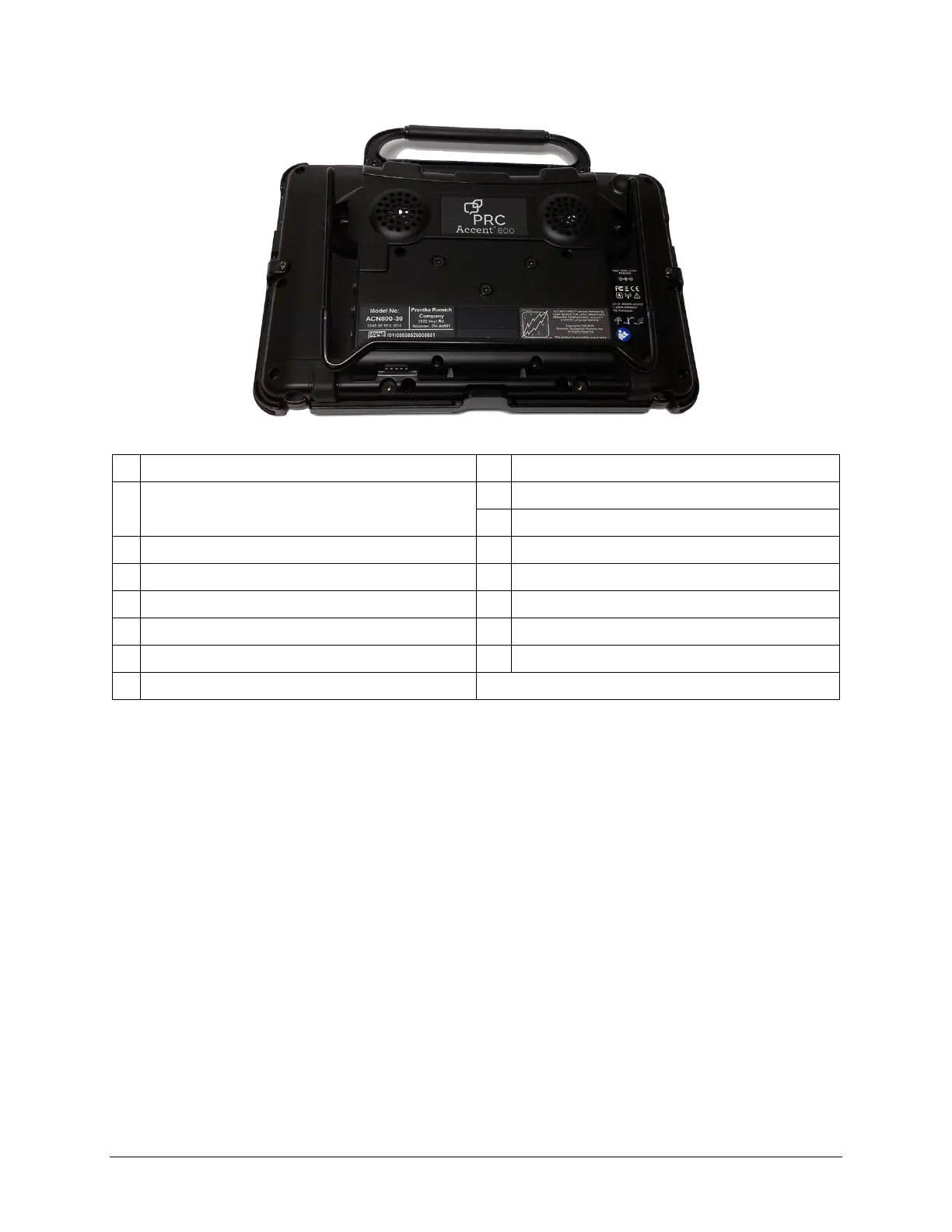
Back View
1 Handle 9 QRM mounting plate location (plate optional)
2
Mini USB connector for NuPoint
®
head tracker
(accessible when handle is removed)
10 Replaceable battery (under battery cover)
11 Battery cover screws
3 Attachment point for handle or NuPoint head tracker 12 Headphone jack
4 Rear camera
1
13 Switch jack B
2
5 SD card slot 14 Switch jack A
2
6 USB 3.0 port 15 Charging port
7 USB 2.0 ports 16 HDMI port
8 External access mini port
1
Your device ships with a thin transparent protective cover over the rear camera lens. To remove the
cover, carefully slide a fingernail under the edge of the cover and peel the cover off the lens. Be
careful not to scratch the lens.
2
If you use a switch or switches for access to your device, plug them into switch jacks A and B. To use
a joystick, you will need a Y-adapter. If you have a joystick plugged in and it does not respond
normally, reverse the way it is plugged in (plug switch A into jack B, switch B into jack A).
8
16



 To Next Page