Accent 800 User’s Guide: NuVoice 9
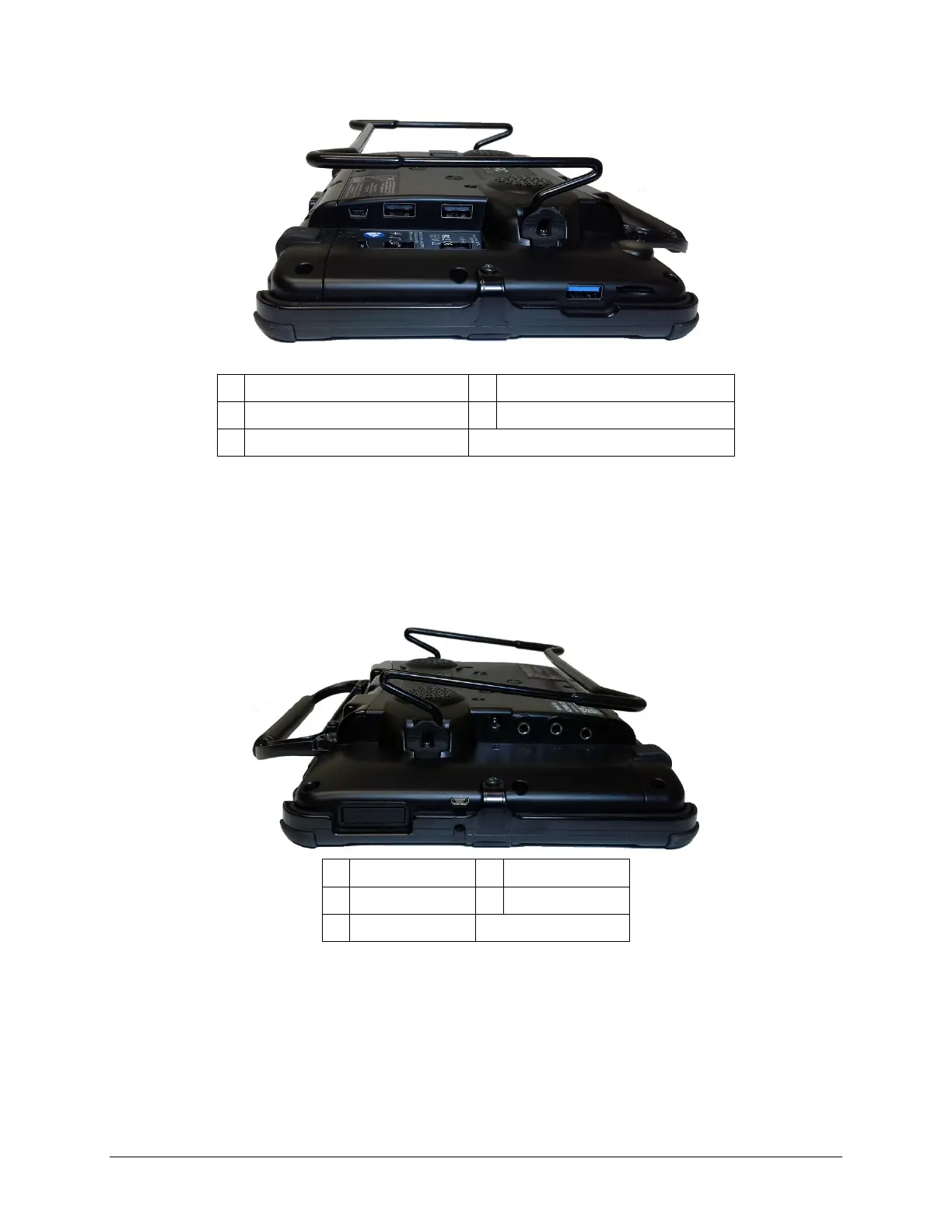
Left Side View
1 External access mini port 4 USB 3.0 port
2
2 USB 2.0 port
1
5 SD card slot
3 USB 2.0 port
1
1
The USB 2.0 ports support USB 2.0 and USB 1.0 accessories.
2
The USB 3.0 port supports USB 3.0, USB 2.0, and USB 1.0 accessories.
Right Side View
1 Charging port 4 Headphone jack
2 Switch jack A * 5 HDMI port
3 Switch jack B *
* If you use a switch or switches for access to your device, plug them into switch jacks A and B. To use
a joystick, you will need a Y-adapter. If you have a joystick plugged in and it does not respond
normally, reverse the way it is plugged in (plug switch A into jack B, switch B into jack A).



 To Next Page