9
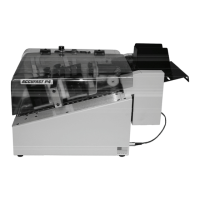
The Wide Format Feeder (ACCUFAST FX) merely sits on a stand at the
input end of the P4. To set it up:
1. Unpack the Feeder and the Stand
2. Place the Stand against the Printer’s input end
3. Set the Feeder on the stand and slide it up to the printer.
4. Plug the Feeder into the outlet on the rear of the Printer.
Power Switch
Power Cord
Fx Feeder power
USB Cable


 To Next Page