44
3) Measuring Posture
- Step the scale in the bare feet. Stretch both arms and spread them 30° from the body.
- Press start buttons with thumbs for 2 ~ 3 seconds to start the measurement. Once it starts,
release the start button and hold the same posture until the measurement is over.
- Do not speak or move the body until the measurement is completed.
- Do not bend or shake the arms until the measurement is completed.
- The measurement will be stopped if all eight electrodes are not fairly touched
3. Measurement
1) Basic Analysis
① Weight measurement
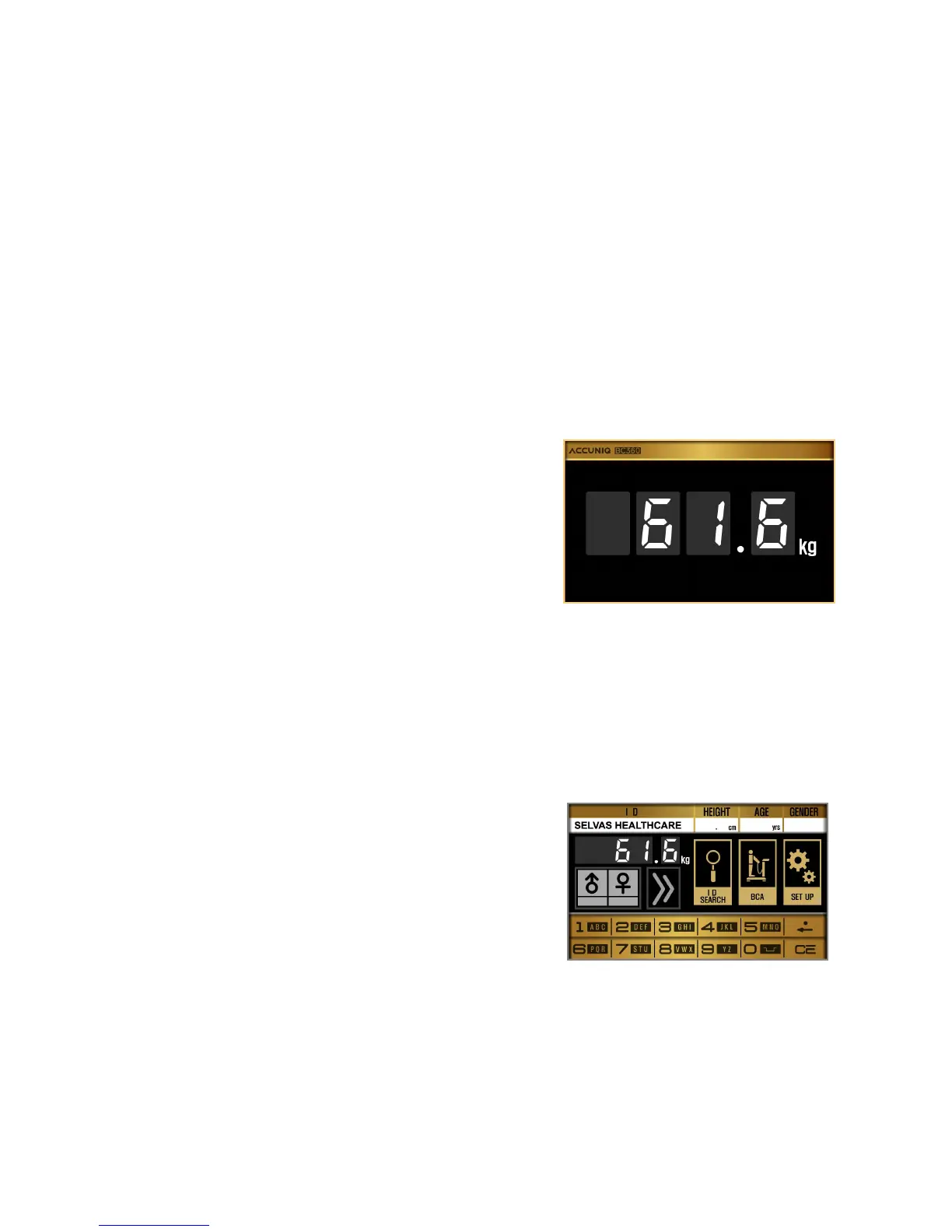
- When the subject steps on the scale, the screen
changes with a chime bell.
- Do not move or speak until the measurement is
completed.
- The measured weight is displayed on the screen.
② After the weight measurement, input the personal data.
③ Personal information
Input the following information in a order; ID, height, age and gender. Confirm input data.
Press NEXT button.
▪ Input ID
- The following message appears.
“Input your ID, please.”
ID can be made up to 20 characters including
English, number and a space.


 To Next Page