1-18 User’s Guide
1.9 Video Memory Upgrade
Larger video memory allows you to display higher resolutions and
more colors. The system board comes with a 512-KB video memory
onboard upgradable to 1 MB.
Follow these steps to upgrade the video memory:
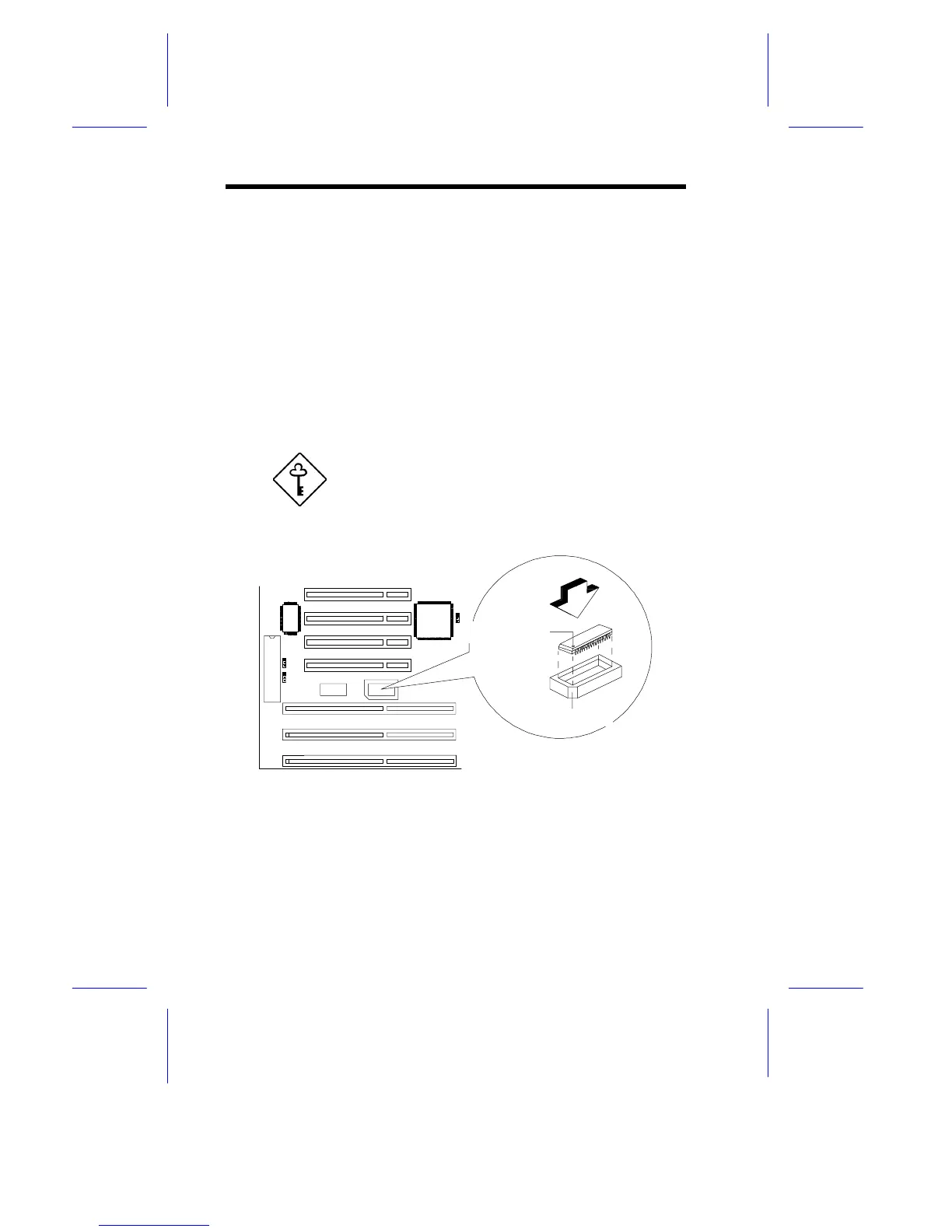
1. Locate the video DRAM upgrade socket labeled U44 on the
system board. See Figure 1-1.
2. Gently insert a 514260ASL (256K x 16, 70ns SOJ) chip into the
upgrade socket.
Make sure that the pin 1 indicator on the chip
matches the notched corner of the socket.
Figure 1-10 Installing a Video Memory Chip
Pin 1 Indicator
Notched Corner






 To Next Page