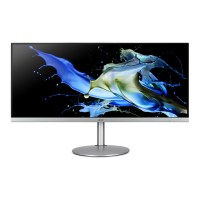
CG48 User Guide English3
Installing the Monitor Base
1. Place the monitor on a table, with the screen facing down.
Note:
We recommend that you cover the table surface with soft cloth to prevent damage to
the monitor.
Important: To protect the screen, DO NOT remove the plastic bag
around the monitor until you place the monitor on a table.
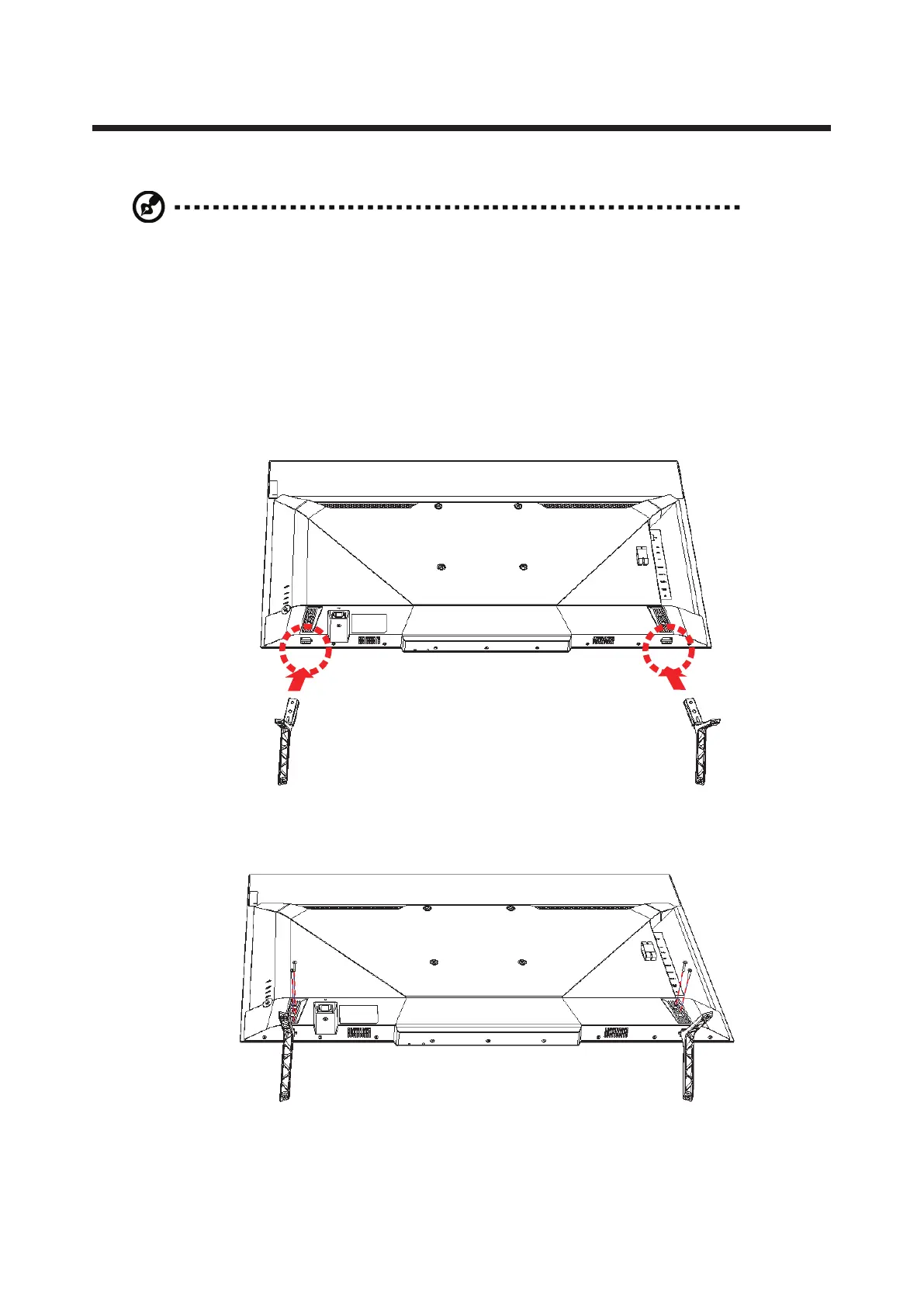
2. Align and install the monitor bases into the mounting slots on
the bottom of the monitor.
R L
3. Secure the monitor bases with the four screws.


 To Next Page