CG48 User Guide English9
Connecting AC Power cord
• Check first to make sure that the power cord you use is the correct type
required for your area.
• The monitor has a universal power supply that allows operation in either
100/120 V AC or 220/240 V AC voltage area. No user-adjustment is required.
• Plug one end of the AC power cord to the Adapter, and plug the other end into
an AC outlet.
For units using 120 V AC:
• Use a UL-listed cord set, type SVT wire and plug rated 10 A/125 V.
For units using 220/240 V AC:
• Use a cord set consisting of H05VV-F cord and plug rated 10 A/250 V. The cord
set should have the appropriate safety approvals for the country in which the
equipment will be installed.
Power saving
The monitor will be driven into “Power Saving” mode by the control signal from the
display controller, as indicated by the amber-color power LED.
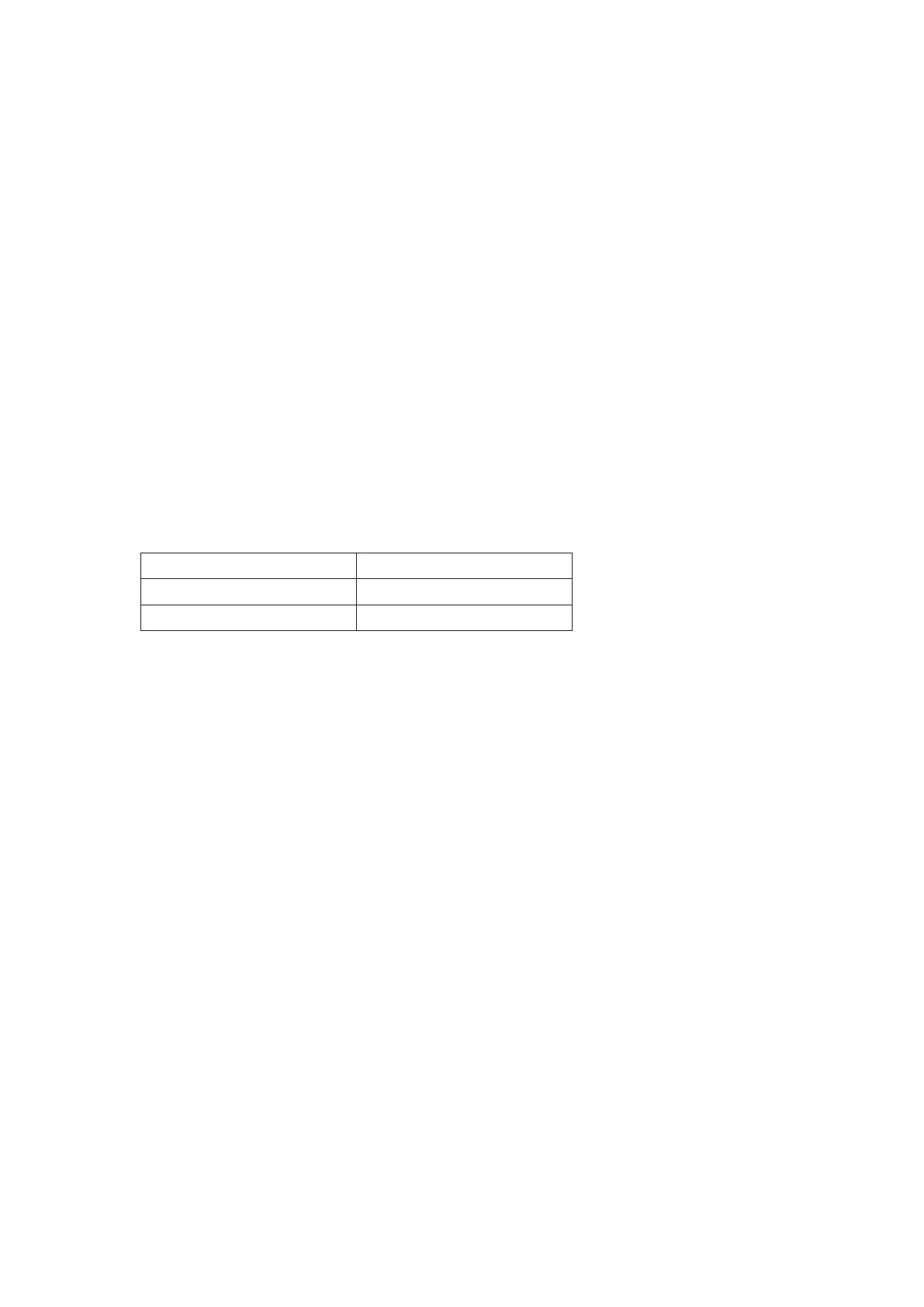
State LED Light
ON Blue
Power Saving Mode Amber
The power saving states will be kept until a control signal has been detected or the
keyboard or mouse is activated. The recovery time from Active OFF state back to
ON state is around 3 seconds.


 To Next Page