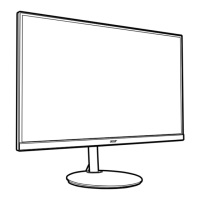
6CG48 User Guide English
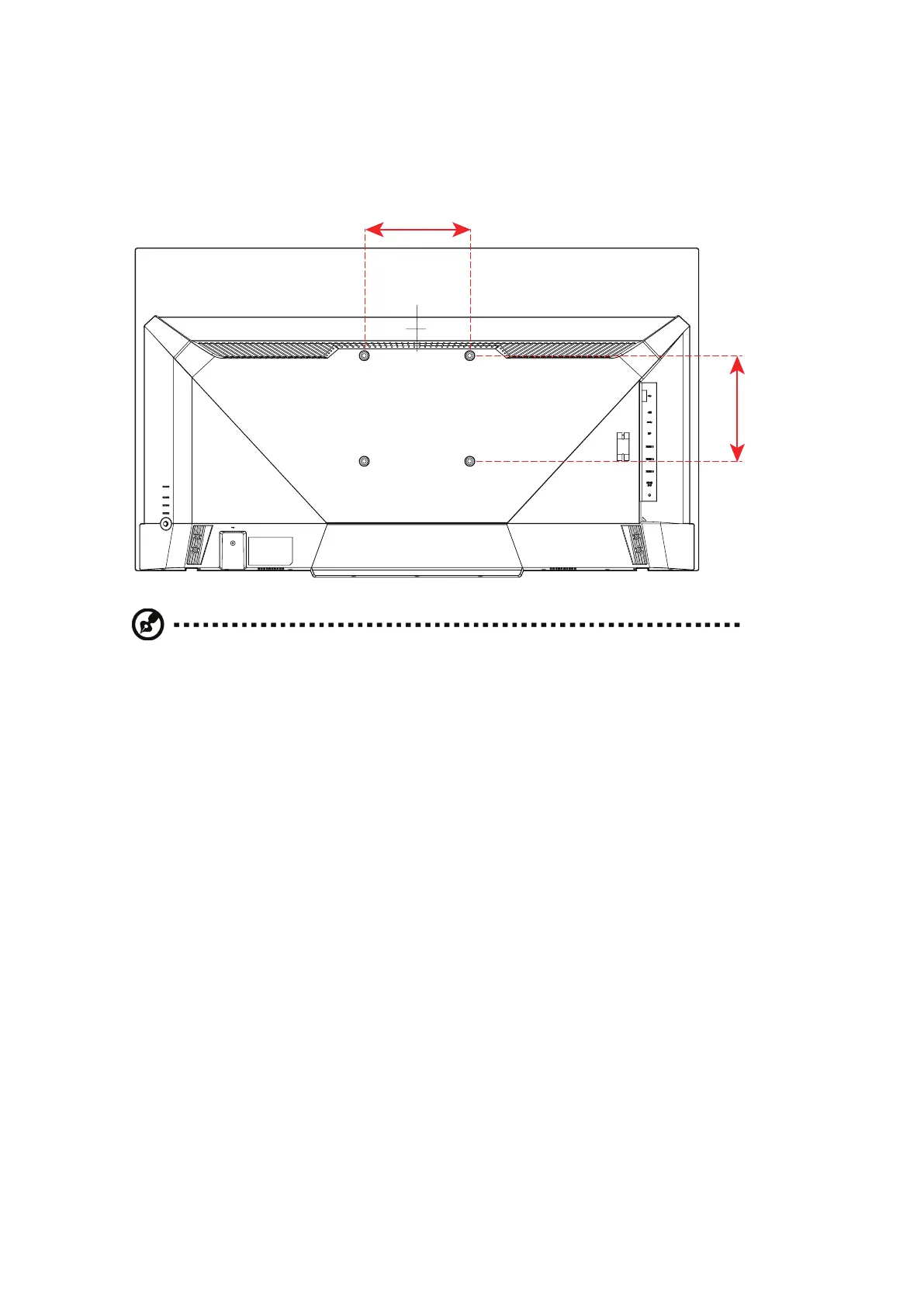
4. Attach the mounting bracket to the mounting holes at the rear
of the monitor. Then use the screws to secure the bracket in
place.
m 00 2
Note:
• VESA mounting screw holes are not available for all models, please check with
the dealer.
• If installing with a wall mounting kit, it is recommended to use VESA mounting kit
(200mm x 200mm) with M 6 x 10 (L) mm screws to fix your monitor on the wall.
• Please check monitor weight in advance to choose suitable load capacity of
VESA arm stand.


 To Next Page