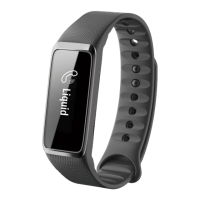
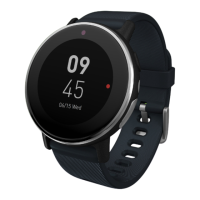
10 - Use with an Android phone
5.Select the Leap model you wish to pair. Tap Next and the check
mark as necessary.
6.Four characters will be displayed on the Leap device’s screen, enter
these characters into Acer Leap Manager when requested and
confirm the code is correct. Tap the check mark.
If necessary, your Leap device firmware will be updated. This may take some
time. Be careful to keep your Leap device close to your smartphone until the
update is complete.


 To Next Page
 Loading...