Use with an Android phone - 9
Create a new account
1.Tap Sign Up for New Users.
2.Enter a username and password and the other details requested.
Pair your Leap device and phone
Once you have set up the app, you will need to pair it with your Leap
device.
1.Turn on your phone’s Bluetooth from Settings > Bluetooth.
2.Connect your Leap device to its charger cradle.
3.Turn on Acer Leap Manager.
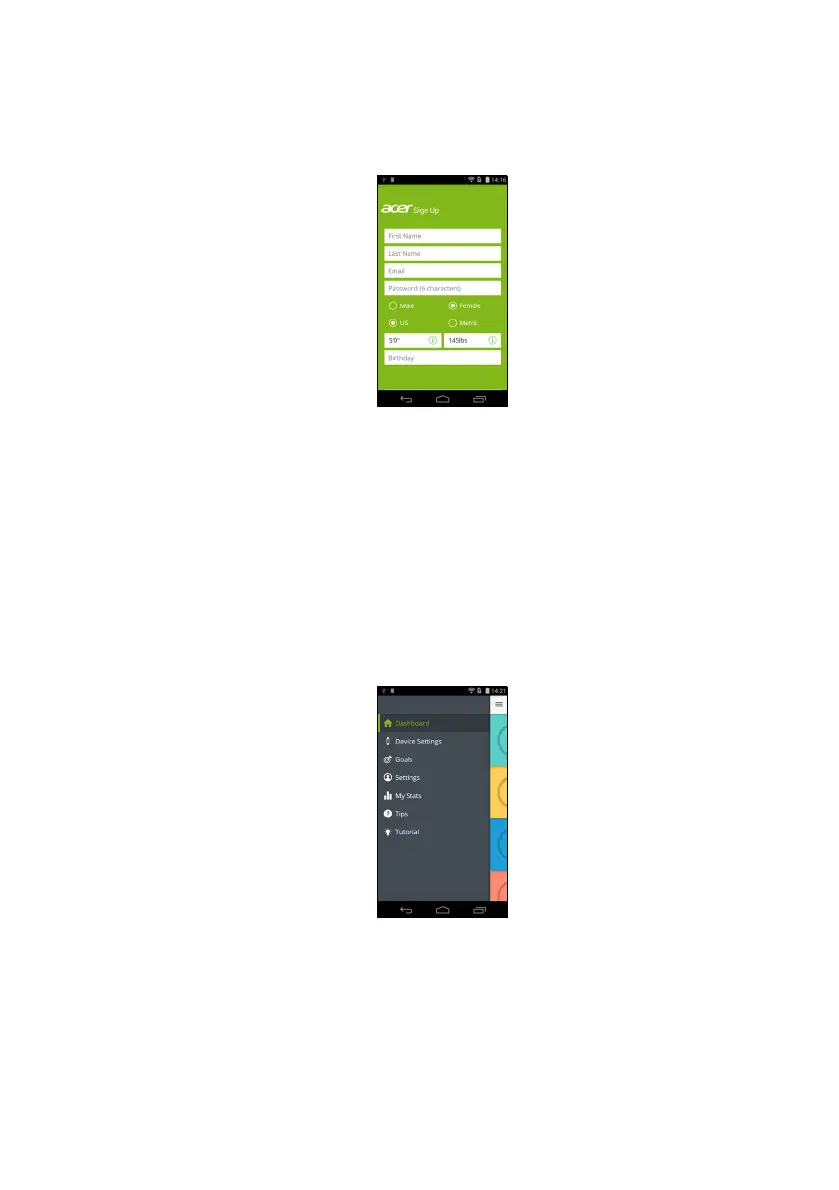
4.Tap Device Settings from the menu (accessible by tapping the
Menu icon in the upper left-hand corner).


 To Next Page
 Loading...