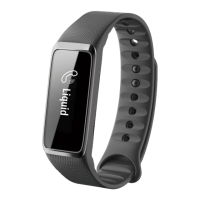
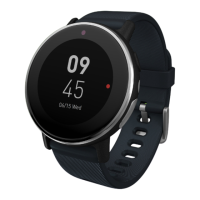
Using the Leap device - 23
USING THE LEAP DEVICE
Your Leap device will automatically adjust its time and date to match
your phone settings. To preserve battery, the screen will turn off after
a few seconds.
• To turn the screen back on, double-tap the screen. You will see a
clock.
• Scroll through the various apps on your Leap device by swiping
across the screen.
• Tap any item to select the item.
To return to the main screen from any other menu screen, double-tap
the screen.
Onscreen information
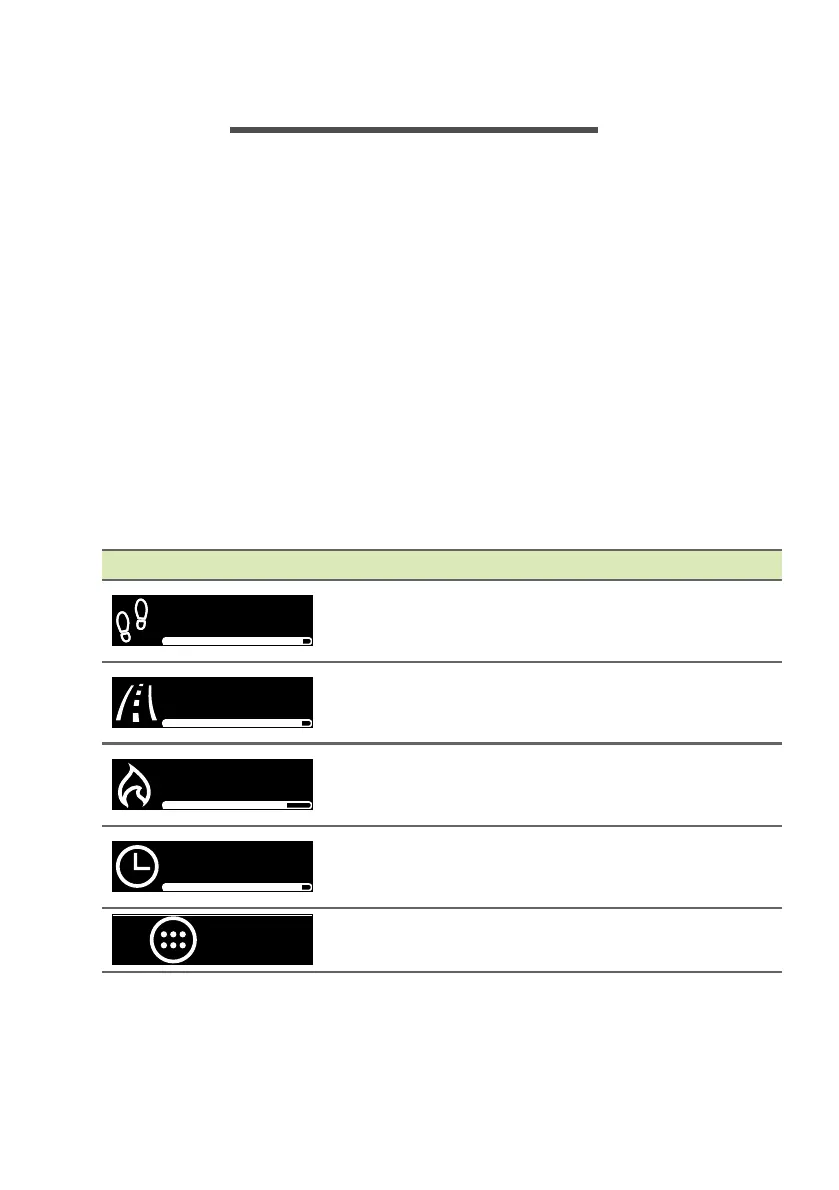
When you see the clock, swipe the screen to view the following items.
Screen item Information
Steps: Indicates the number of steps
recorded each day and indicates how far you
are to achieving your goal.
Distance: Estimates the distance you have
walked and how far you are to achieving your
goal.
Calories: Estimates how many calories your
exercise has burned and how far you are to
achieving your goal.
Time: Indicates how many minutes of activity
have been recorded and how far you are to
achieving your goal.
APPS: Opens other apps on your Leap
device.
8,811
3.1
73


 To Next Page
 Loading...