1 Getting to know your TravelMate16
English
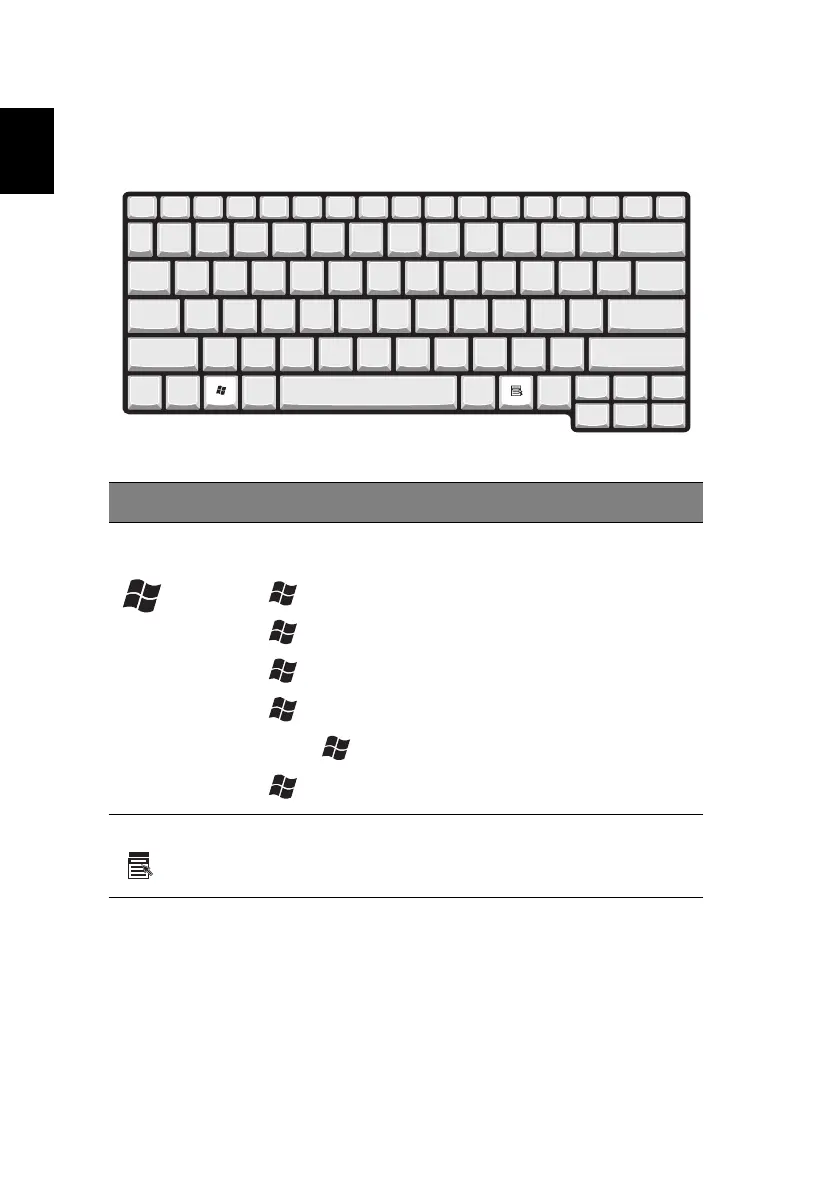
Windows keys
The keyboard has two keys that perform Windows-specific functions.
Key Description
Windows logo
key
Start button. Combinations with this key perform
shortcut functions. Below are a few examples:
+ Tab (Activates next taskbar button)
+ E (Explores My Computer)
+ F (Finds Document)
+ M (Minimizes All)
Shift + + M (Undoes Minimize All)
+ R (Displays the Run... dialog box)
Application key Opens a context menu (same as a right-click).





 To Next Page