1 Getting started
Preparing to use your Acer n30
10
To set up your Acer n30
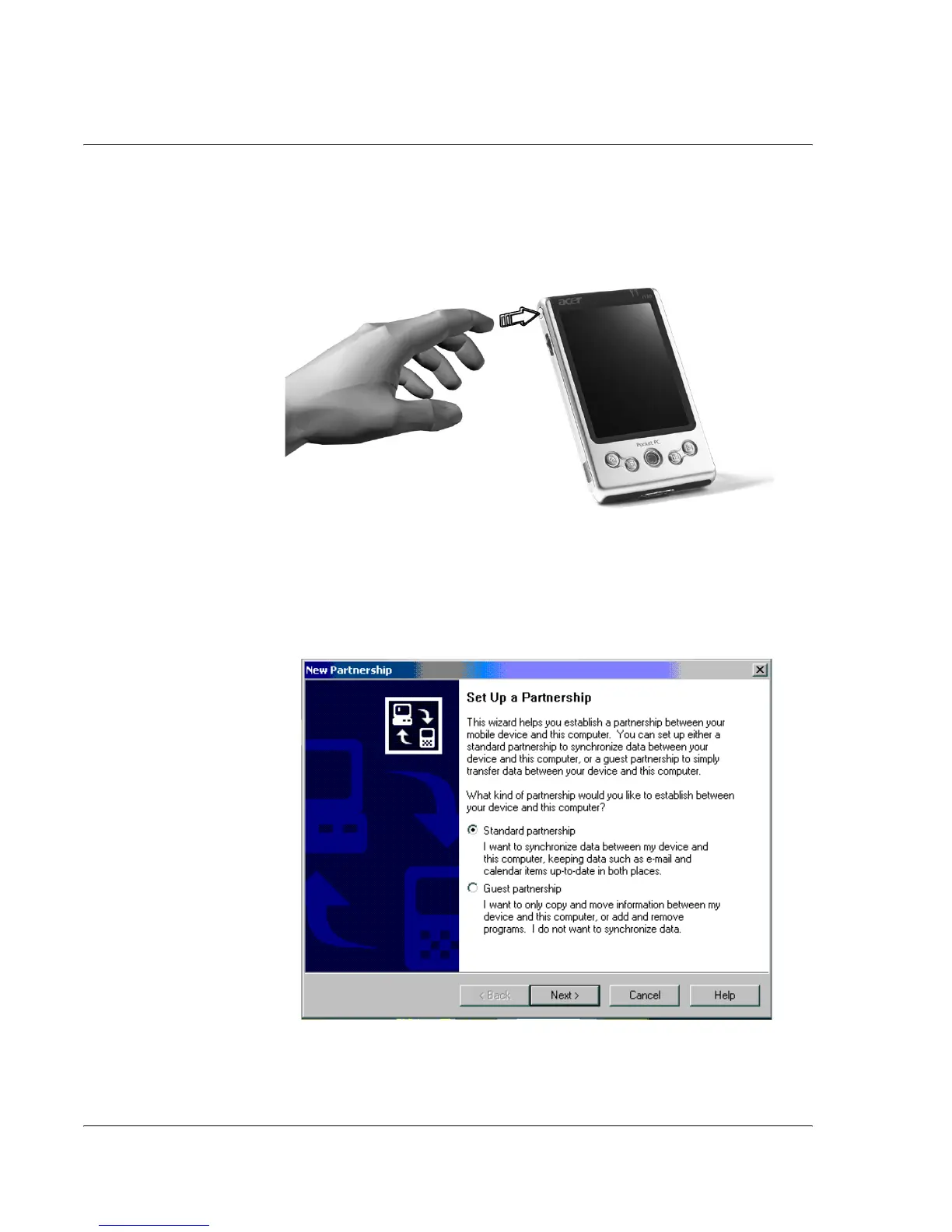
1 Turn on your handheld by pressing the power button on the left side.See "Left view"
on page 4, for the location of the power button.
2 Follow the onscreen instructions to set up your handheld.
Performing the first synchronisation process
After completing the setup procedures you can now perform the first ActiveSync
operation with the help of the 'New Partnership' setup wizard.
This wizard will help you:


 To Next Page