4 Managing Microsoft® Pocket Outlook applications
Tasks
36
6 After entering the desired information, tap OK to return to the task list.
TIP: To quickly create a task with only a subject, tap Entry Bar on the Tools menu. Then, tap
Tap Here to add a new task and enter your task information.
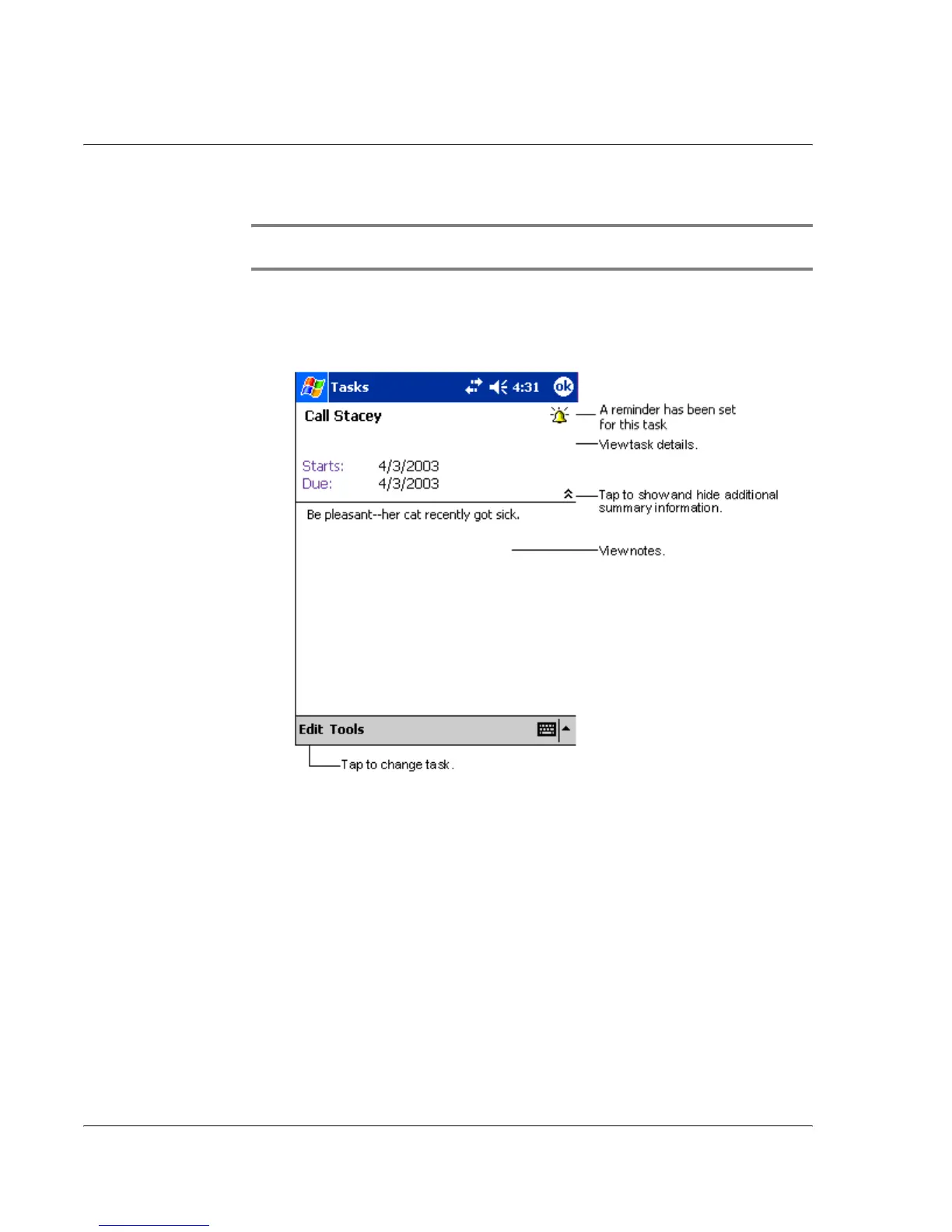
Using the summary screen
When you tap a task in the task list, a summary screen is displayed. To change the task,
tap Edit.
.



 To Next Page