9 Getting connected
Transferring items using infrared or Bluetooth
66
3 Tap and hold the item, and then tap Beam Item on the pop-up menu.
-or-
Send items (but not folders) using File Explorer.
• Tap and hold the item you want to send and then tap Beam File on the
pop-up menu.
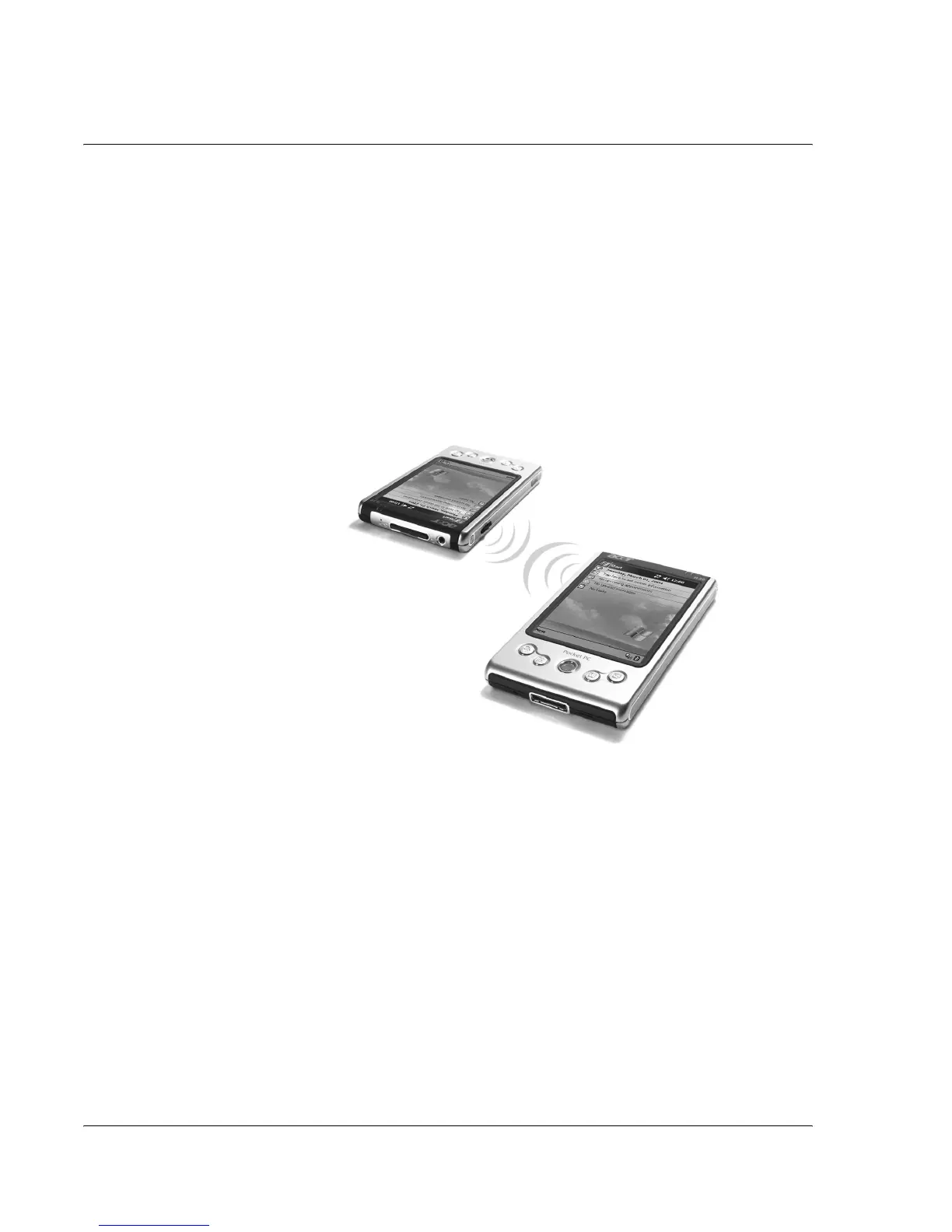
To receive information via infrared
1 Align the IR port of your handheld with that of the sending IR-enabled device so that
they are unobstructed and within a close range.
2 Have the owner of the sending device transmit the information to you. Your
handheld will automatically receive it.
To send information via Bluetooth
1 Switch to the program where you created the item you want to send and locate the
item in the list.
2 Tap-and-hold on the item and from the pop-up menu, tap send via Bluetooth.
3 On the Select a Bluetooth device screen, tap the name of the destination device, and
then tap OK.
To receive information via Bluetooth
1 Make sure that Bluetooth is enabled, and File Transfer service is also enabled.
2 Have the owner of the sending device transmit the information to you. Your
handheld will automatically receive it. Note that if Authorization required or


 To Next Page