3-5 Adjusting the Monitor
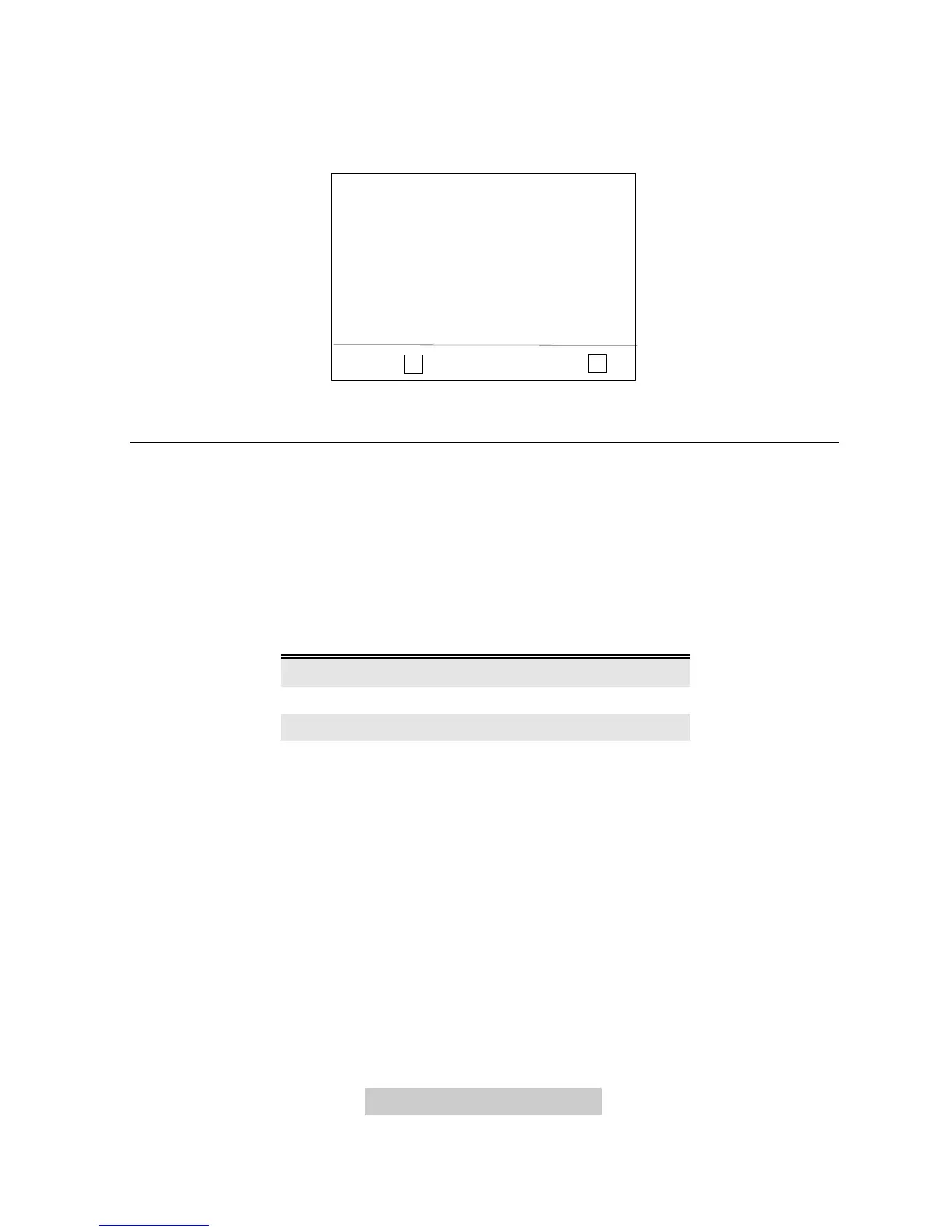
Page 3 User Mode Display
This page shows the current resolution, horizontal and vertical frequency status.
s
< P3 >
Esc:< P1 >: P
User Mode
FV : 60.39 Hz
FH : 64.31 KHz
800 X 600
Timing Setting
By making adjustments of your video card settings, you can set the timing and the
refresh rate to your preferences. The monitor will automatically save the settings.
Your monitor can accept horizontal frequency ranging from 30 KHz to 72 KHz and
vertical frequency from 50 KHz to 120 KHz. However, due to different resolution
settings, do not exceed the following maximum vertical refresh rate to avoid possible
damages to your monitor.
Resolution Maximum Vertical
Refresh Rate (Hz)
800 x 600 100
1024 x 768 85
1280 x 1024 60
F To set the timing and the refresh rate, see the user’s guide of your
video card.



 To Next Page