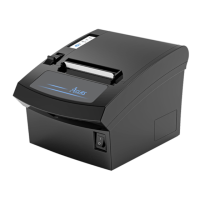
7
2.2 Communication Board Replacement
Note: Make sure that PP7X is powered off when you are changing the communication board. Power off
PP7X for more than 10s, then the communication board can be replaced.
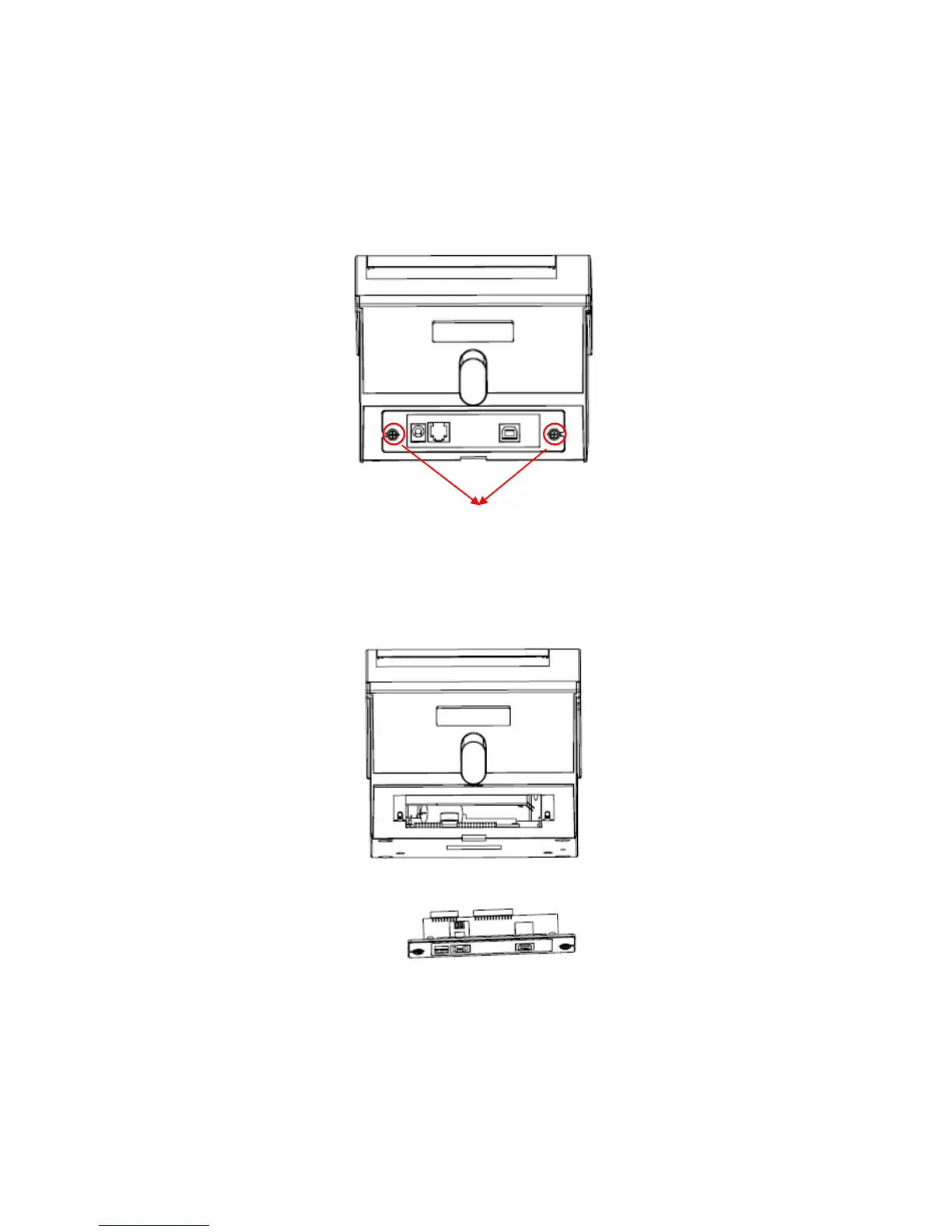
(1) Use cross screwdriver to unscrew the two screws of the communication board as picture 4.
(2) Take off the communication board and replace it as picture 5.
(3) Install the new communication board along the slot, lock the two screws. We suggest that you should
tighten the two screws side by side to avoid damaging the main board.
Note: Don’t press the communication board if it does not at the same level with the printer.


 To Next Page