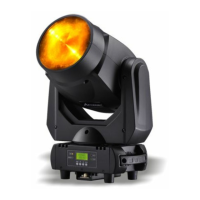
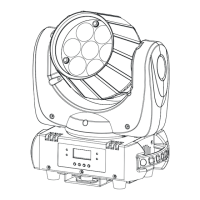
LPB-4P
10B
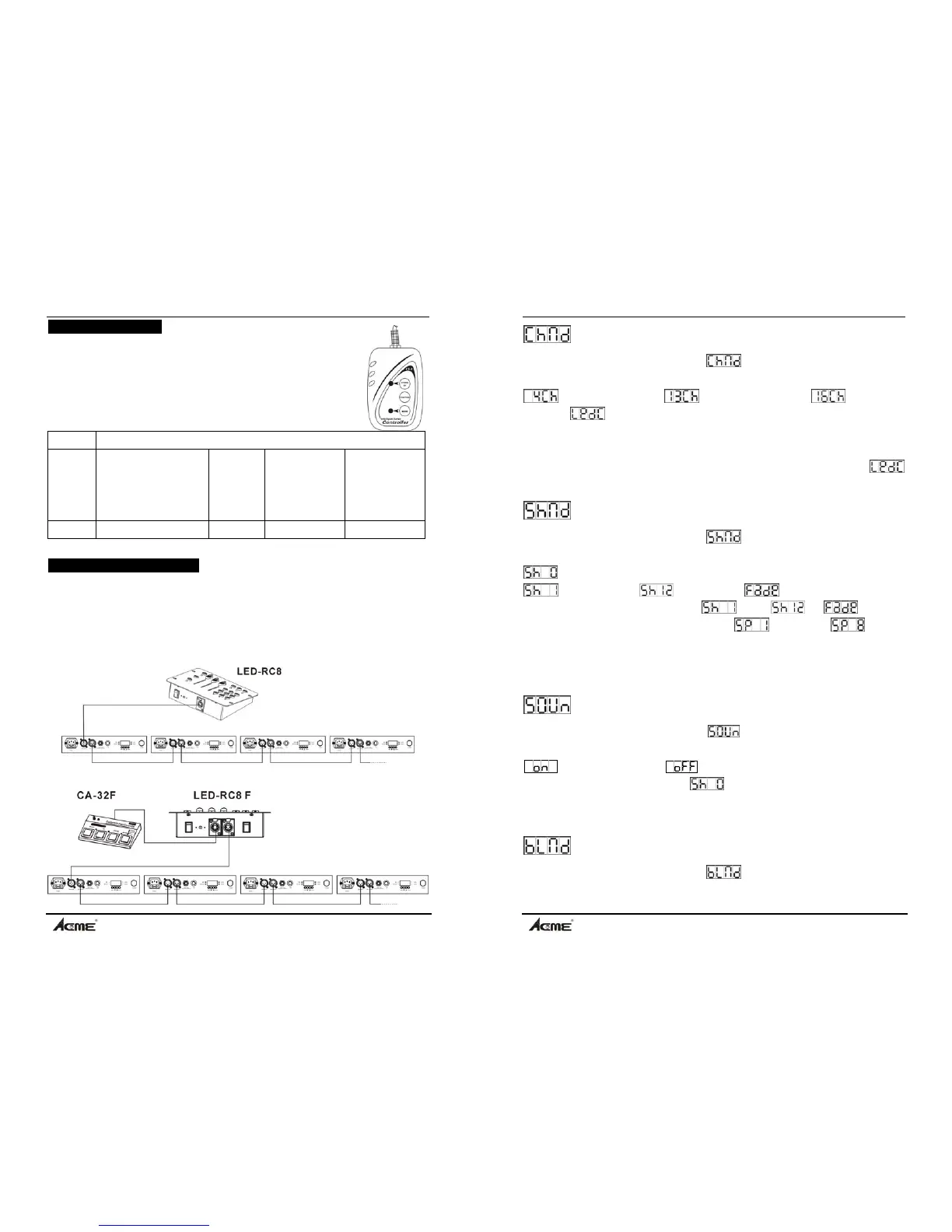
4.2 Easy Controller
The easy remote control is used only in master/slave mode. By
connecting to the 1/4” microphone jack of the first package, you will
find that the remote control on the first package will control all the
other packages for stand by, function and mode function.
Stand By Blackout the package
Function
1.Synchronous strobe
in white
2. Synchronous strobe
in rainbow
3. sound strobe in white
4. sound strobe in rainbow
Color 1-9
or manual
color
Show 1-12 or
fade
Show speed
1. Slow
2. Medium
3. Fast
Mode Sound (LED OFF) LED On LED slow blinking LED fast blinking
4.3 LED Mood Commander
Use LED Mood Commander to control the packages, the Auto addressing function of
the LED Mood Commander must be used in order for it to communicate with the
packages. (See LED Mood Commander user manual for full details on setting
remote DMX).
Please contact the packages as the diagram below (42 packages max):
LPB-4P
7B
Channel Mode
Press the MENU button up to when the is showing on the display. Pressing
ENTER button and the display will blink. Use DOWN and UP button to select the
(4 channels mode) or (13 channels mode) or (16 channels
mode) or
( LED-RC 8 control). Once selected, press the ENTER button to
store. (or automatically return to the auto show without any change after one minute)
To go back to the last function without any change press the MENU button.
(ATTENTION: the universal DMX controller will not work if you select
mode.)
Show Mode
Press the MENU button up to when the is showing on the display. Pressing
ENTER button and the display will blink. Use DOWN and UP button to select the
(Random show: show 1, show 2 … show 12 or fade run at random) or
(show 1) or … (show 12) or (fade). Press the ENTER
button to confirm, when you choose … or or , you can
press UP/DOWN button to select the speed
(fast) … or (slow) ,
once selected, press the ENTER button to store. (or automatically return to the auto
show without any change after one minute) To go back to the last function without
any change press the MENU button.
Sound Mode
Press the MENU button up to when the
is showing on the display. Pressing
ENTER button and the display will blink. Use DOWN and UP button to select the
(Sound Mode on) or (Sound Mode off) mode. This function can
only be effected when you choose
in the show mode. Press the ENTER
button to store (or automatically return to the auto show without any change after one
minute) To go back to the last function without any change press the MENU button.
Blackout Mode
Press the MENU button up to when the is showing on the display. Pressing
ENTER button and the display will blink. Use DOWN and UP button to select the


 To Next Page