EasyManua.ls Logo

ACME SUPERNOVA - 7; Operation; Control Menu

ACME SUPERNOVA
62 pages
Print Icon
To Next Page IconTo Next Page
To Previous Page IconTo Previous Page
Loading...
- 15 -
07/ Operation
7.1 Control Menu
To access the control menus, press the [MENU] button.
Navigate the menu structure, using the [ENTER], [ UP] and [ DOWN] buttons.
To select a menu option or to confirm a selection, press the [ENTER] button.
To return to a higher level in the menu structure without making a change, press the
[MENU] button, or wait 30 seconds.
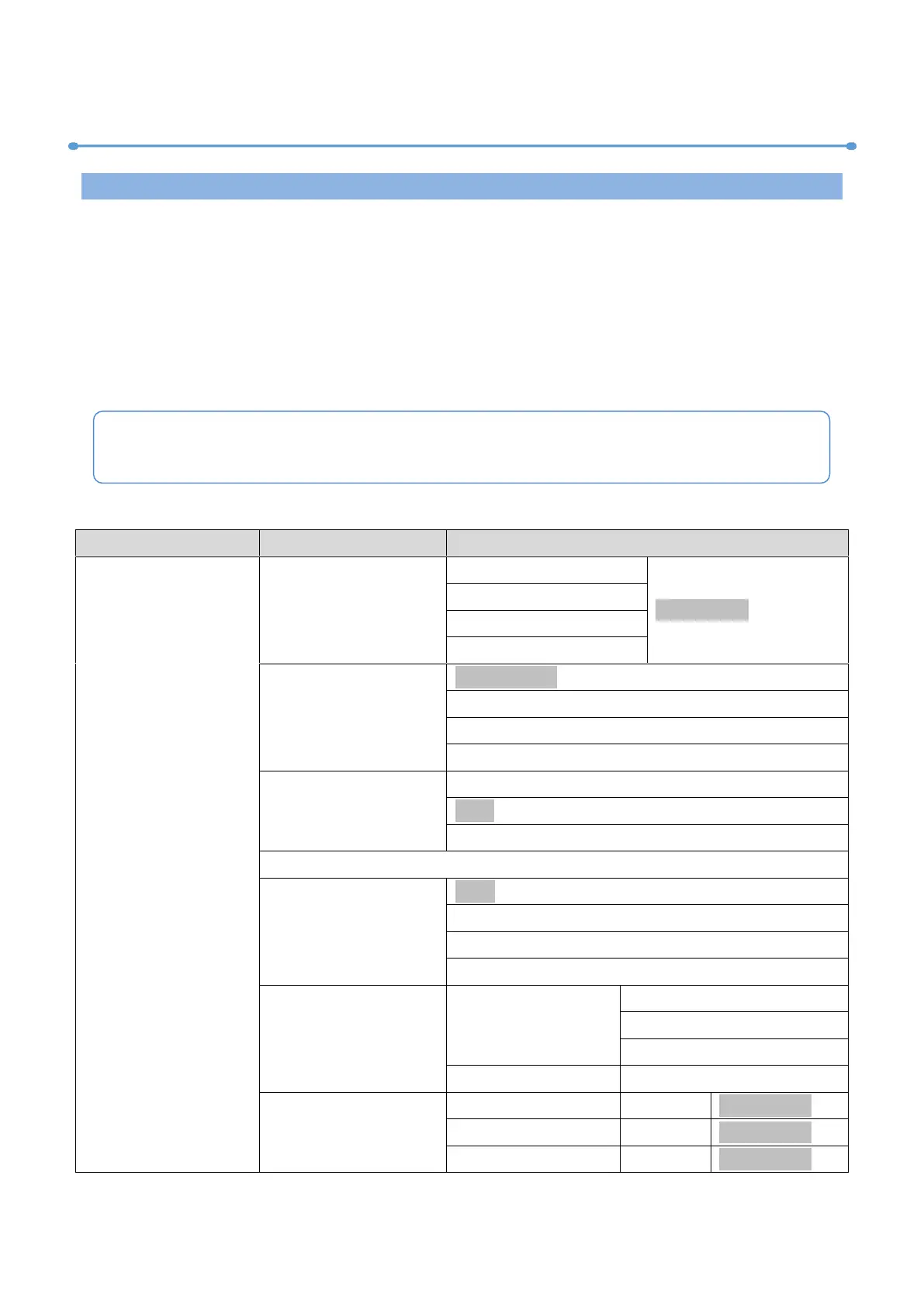
The main functions are shown below:
MAIN MENU
SUBMENU
CHOICES/VALUES
DMX Settings
DMX Address
1-470 (43 CH)
(Default=1)
1-479 (34 CH)
1-481 (32 CH)
1-490 (23 CH)
DMX Channel Mode
(43) Framing
(34) Spot
(32) F-Wash
(23) Wash
No DMX Status
Blackout
Hold
Manual
View DMX Value
Connect Option
Auto
DMX
Art-Net
sACN
Network
IP Address
Default 1:002.xxx.xxx.xxx
Default 2:010.xxx.xxx.xxx
Manual:xxx.xxx.xxx.xxx
Sub-Net Mask
xxx.xxx.xxx.xxx
Art-Net Settings
Net
0-127
(Default=0)
Sub-Net
0-15
(Default=0)
Universe
0-15
(Default=0)
The screen will be automatically locked if there is no operation for a long time, and can
be unlocked by long-pressing the [MENU] button.


Related product manuals