15.2
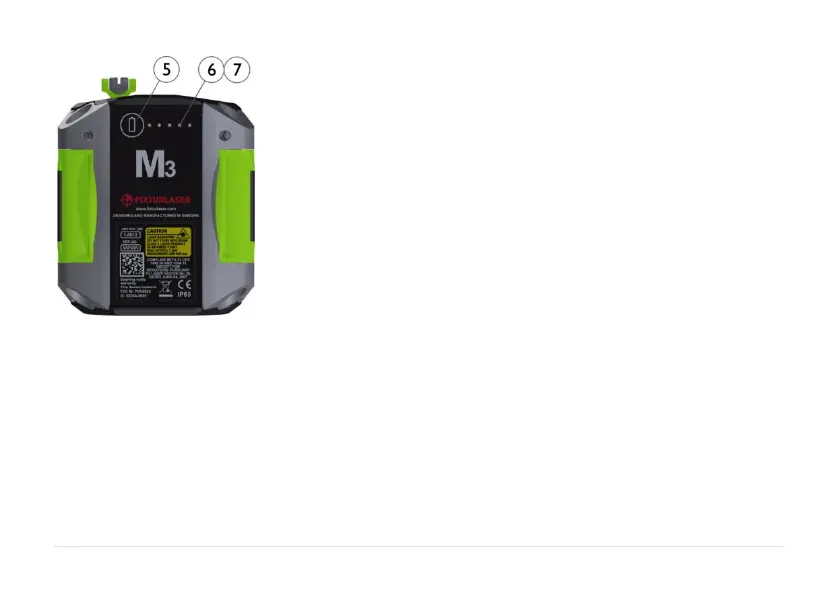
5. Battery status button – press to instantly
show the battery status (also works
when the unit is switched off).
6. Battery status LED
a. One LED continuously red – less
10% charge left.
b. One LED flashing red – less than
5% charge left.
c. One LED continuously orange –
charging
d. One LED continuously green – fully
charged.
7. Battery status LED when battery button
is pressed
a. Continuously green – battery status
b. Rolling green – battery charging


 To Next Page