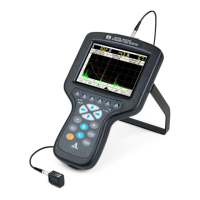
Ultrasonic flaw detector А1212 MASTER
Operation Manual
10
ACOUSTIC
CONTROL
SYSTEMS
1
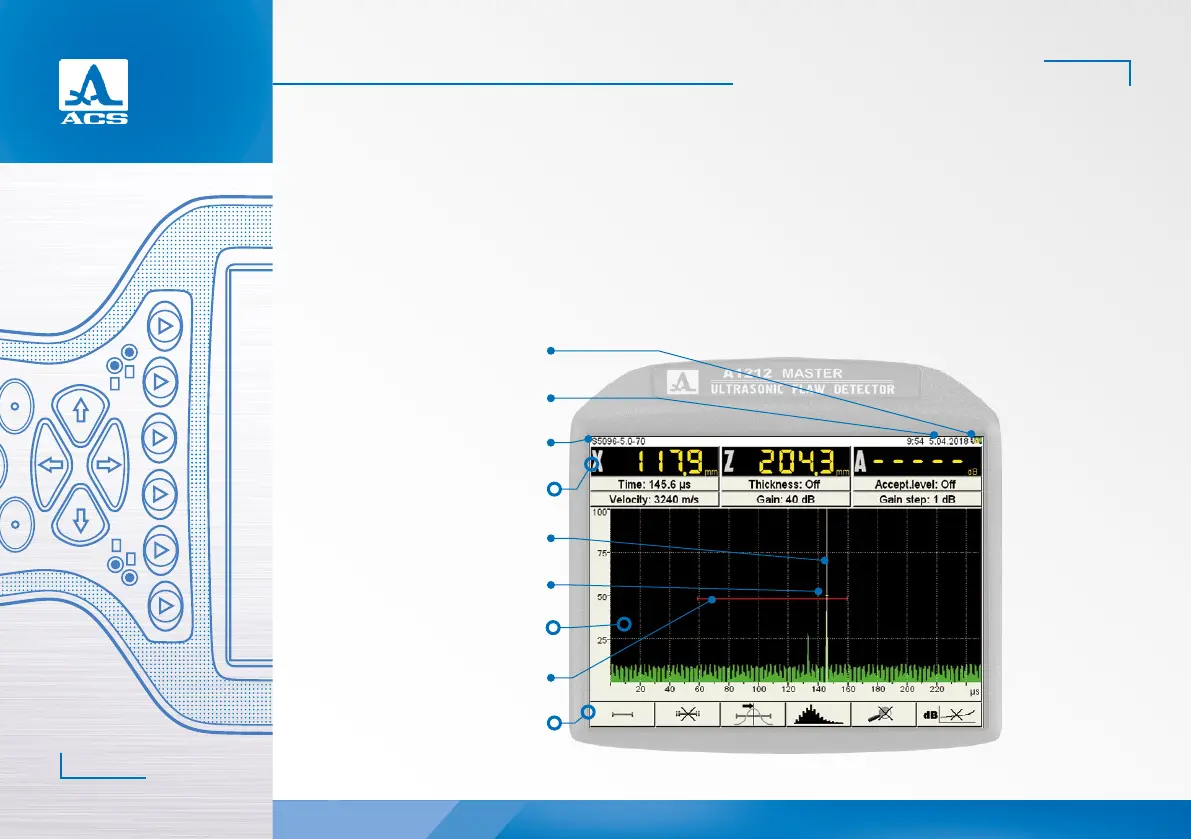
Figure 4
Name of the of the configuration
Current date and time
Indicator of the accumulator
charge level
Menu of icons
Panel of measurement results
Measuring cursor
Marker
Display area of signal
First strobe
In the SETTING mode the user can select and configure the parameters of the instrument settings. Always start working
with a new testing object in this mode.
1.3.5 Display of information on the screen
A color TFT display (640х480) indicates the measurement results and service information required to control the instrument.
The workspace of the screen is divided into several functional areas in each mode. In the Figure 4 the display in the FLAW
DETECTOR operating mode is shown.


 To Next Page