Ultrasonic flaw detector А1212 MASTER
Operation Manual
57
ACOUSTIC
CONTROL
SYSTEMS
3
TECHNICAL
MAINTENANCE
3.1 ELECTRIC POWER SUPPLY AND POWER CONSUMPTION
3.1.1 Checking the power source
While the flaw detector is in operation, its embedded discharge controller monitors the state of charge of the power source.
This state is displayed as a battery icon in the upper right corner of the instrument’s display. The battery icon will be filled according
to the degree of charge. Completely filled green battery icon means that the accumulator battery is charged completely. As far
as the battery discharges the filling degree decreases and the icon changes it s color from orange to red. The instrument will be
automatically switched off when the battery is critically discharged. At that all the settings and recorded information will be saved.
The instrument produces corresponding warnings when the battery charge level drops to 10% and prior to automatic switching
off the instrument when the battery is critically discharged.
3.1.2 Checking of the power adapter
If a malfunctioning power adapter is connected to the instrument:
- if the instrument is On, then a blinking message “Charging device is faulty!” (“Проблема с зарядным устройством!»)
will appear on the screen.
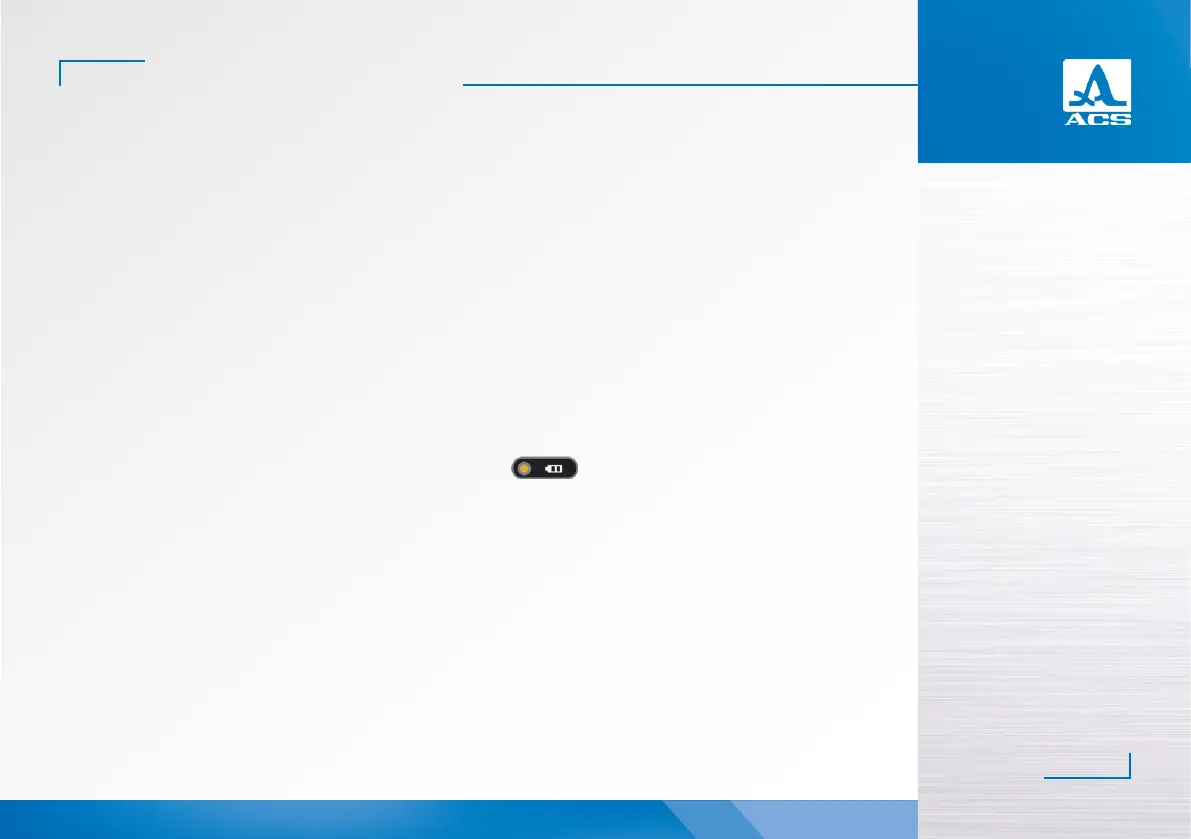
- if the instrument is Off, then the battery charge level icon
will not light, and a blinking message “Charging
device is faulty!” (“Проблема с зарядным устройством!») will appear on the screen when the instrument is switched On.
In such cases disconnect faulty power adaptor and replace it with a properly functioning one.
While in service, regularly clean the body of the device, remove dirt and dust using cleaning agent for plastic products.
If the protective glass of the display becomes dirty, wipe it with a so tissue wetted with some common plastic glass care product.
Dirty keypad can be wiped with a so tissue wetted with alcohol.
The instrument may be cleaned with soap solution and special cleaning agents.
If dirt and foreign matter get into the connectors, then clean them using a so brush.
3.2 REGULAR MAINTENANCE
3.3 MALFUNCTIONS
Always contact the manufacturer representatives (contact information is given in the certificate) if there are any malfunc-
tions or questions about instrument operation.


 To Next Page