Ultrasonic flaw detector А1212 MASTER
Operation Manual
13
ACOUSTIC
CONTROL
SYSTEMS
1
1.3.7 Working with icons
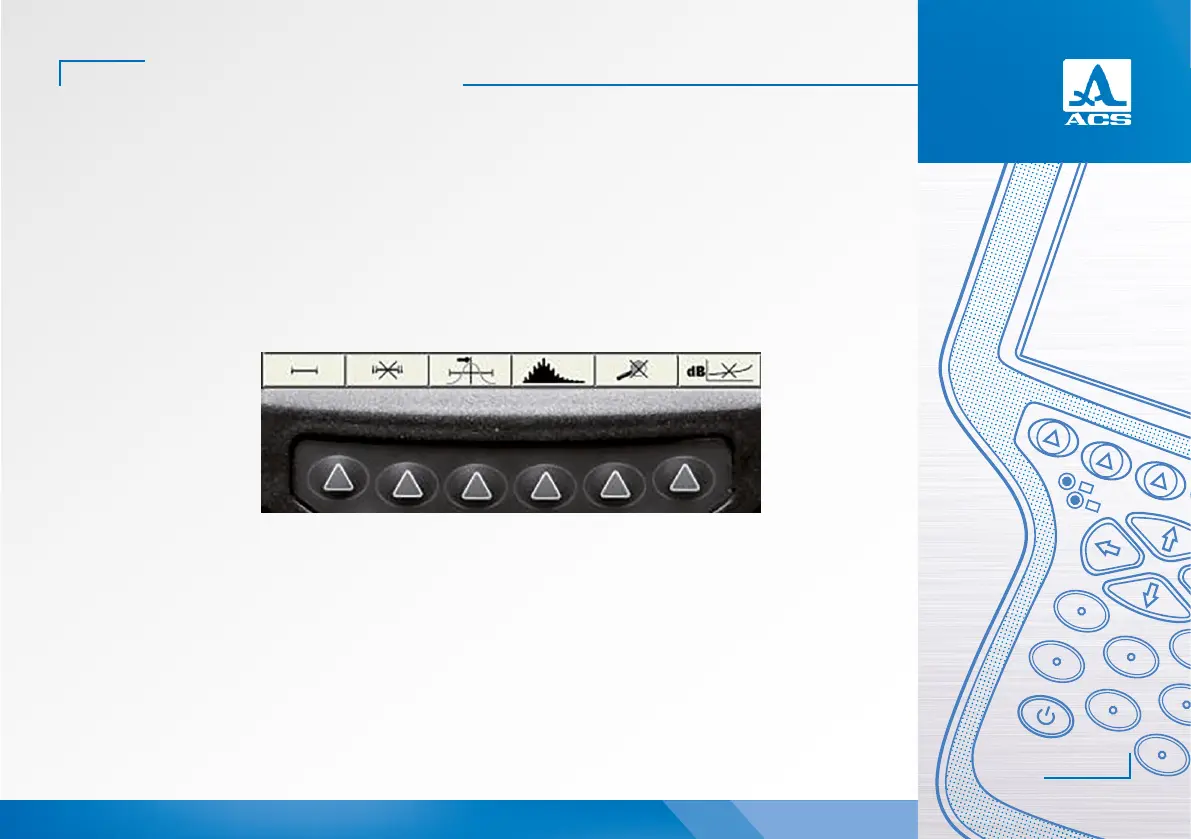
Content-addressable icon menu is a characteristic property of the interface. The icons are located in six rectangular
windows at the bottom of the screen. The icons represent symbols associated with a tested object or property. Each mode has
its own icon set.
The icons can be either in passive or active state. Active state allows configuration of those instrument settings/parame-
ters which correspond to the active icon.
Note: Further as the text goes a conventional numbering of the icon windows and corresponding functional keys is used
from le to right – from 1 to 6 (Figure 6).
Figure 6
F1 F2 F3 F4 F5 F6


 To Next Page