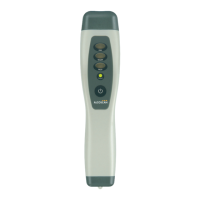
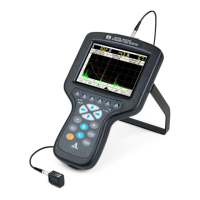
Ultrasonic flaw detector А1212 MASTER
Operation Manual
12
ACOUSTIC
CONTROL
SYSTEMS
1
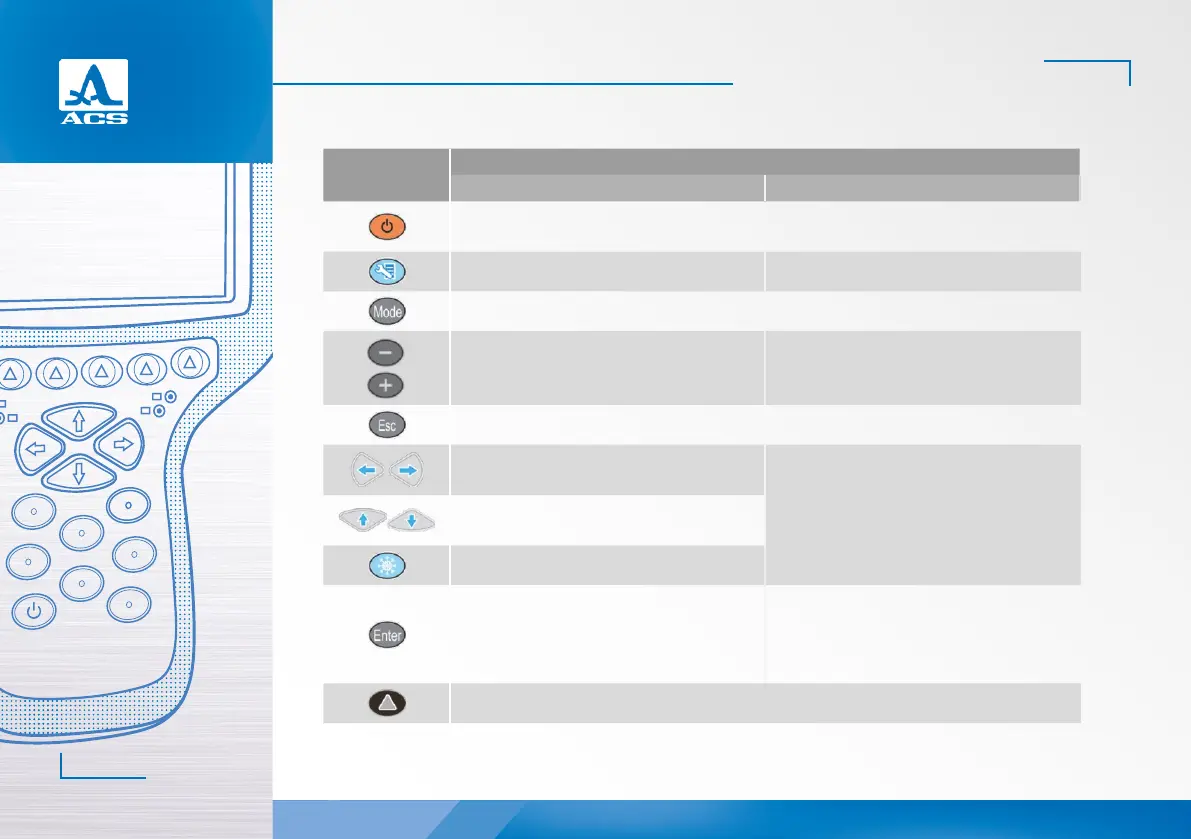
Key
Key functions in the modes
FLAW DETECTOR SETTINGS
Turning On/Off the instrument.
Press and hold the key for at least 0.5 s
Enter the SETTING mode Exit the SETTING mode
Inactive
Cursor movement Edit value of the active parameter
Cancel the operation
Change the length of the sweep
(horizontal arrows)
Select the parameter for configuring
(vertical arrows)
Change the amplifier (gain) value
(vertical arrows)
Enter the STOP mode Delete the configuration
Switch On/Off the reference level
Start configuration of the parameters marked
with the ▶ sign.
Start memory cleaning procedure in the process
of editing of the system parameters
Icon selection and control keys
Table 2


 To Next Page