710-00002.5
Chapter 5:
O
PERATION
Users operate the Quantum charger through the front LCD touch screen. The LCD screen is the main user
interface for viewing and displaying operation and fault messages. It also allows limited charger
programming options.
5.1
Powering the Charger
1. Energize the AC mains (turn the main AC disconnect switch to the ON position if one exists).
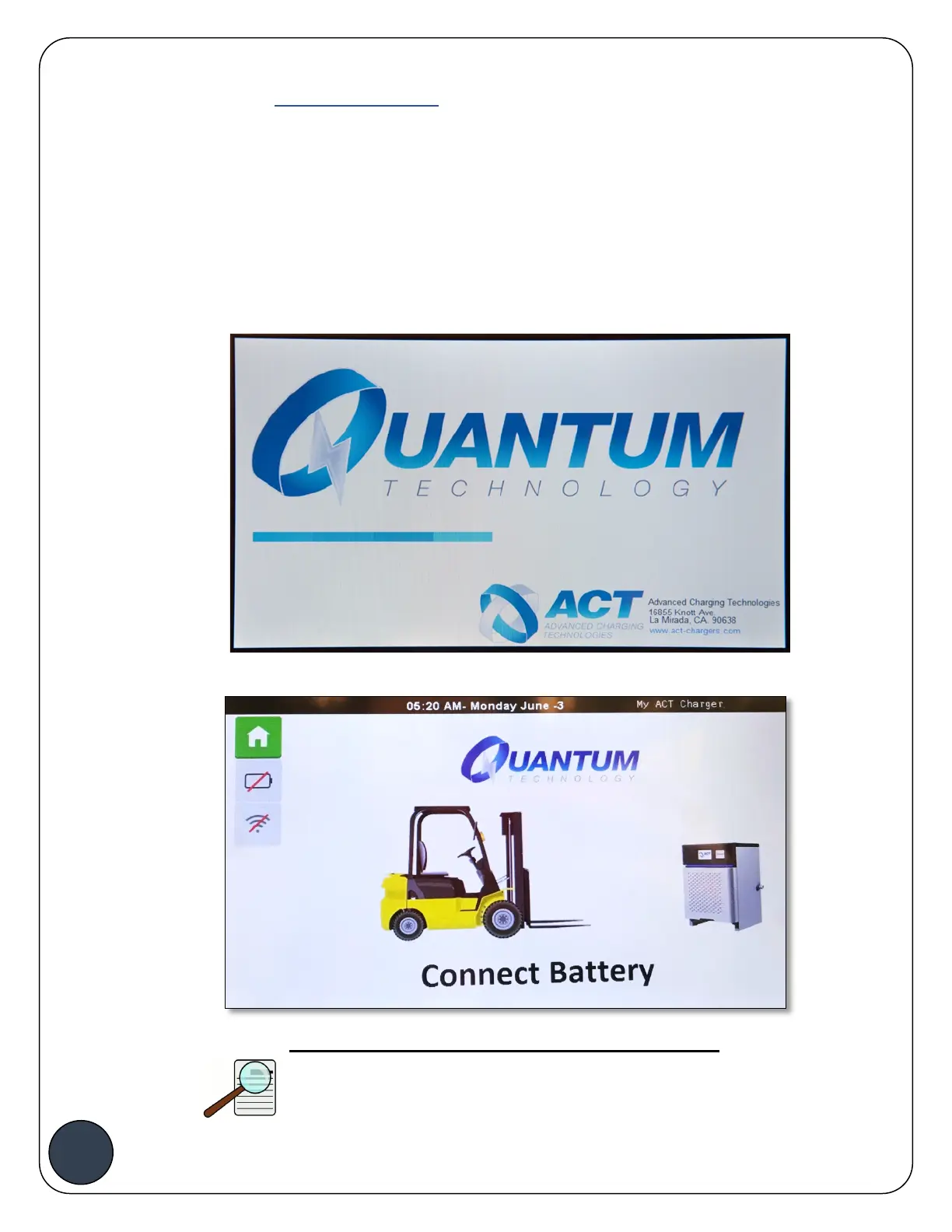
2. Verify that the LCD display is lit and Quantum logo is displayed indicating that the unit is in
Start Up Mode.
3. After Start Up, the charger will display the following screen as shown below.
NOTE:
If the LCD is not lit, or if the message is not displayed,
cycle the Main AC disconnect switch to the OFF


 To Next Page