Sopix
²
• User manual
ENGLISH
16
• Once the box is connected to the PC, Windows detects the Sopix² system and indicates it is ready to install
the drivers. A window displays. Keep the option « install automatically the software» and click on « Next ».
WARNING:
• During the installation of the drivers and hardware, a dialog box displays, click on « Continue » to continue
installing the system without taking into consideration the Windows message.
• After a few moments, the installation is completed. A window opens. Click on « Finish ».
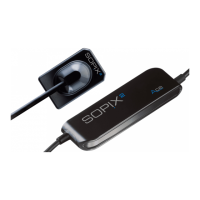
The Sopix² system is ready to receive the sensor.
NOTE:
Please, refer to the use instructions of the used imaging software to determine know the installation mode
of Sopix² system inside it.
Insert the Sopro Imaging software into the CD driver in order to install the drivers.













 To Next Page