Acterna OLS-55/-56 9
3 GETTING STARTED
1 Test head cover
2 Test port and adapter (OLS-56: 2 ports)
3 Display
4 Stand (back)
5 Power Supply socket, USB interface
6 Battery compartment (back)
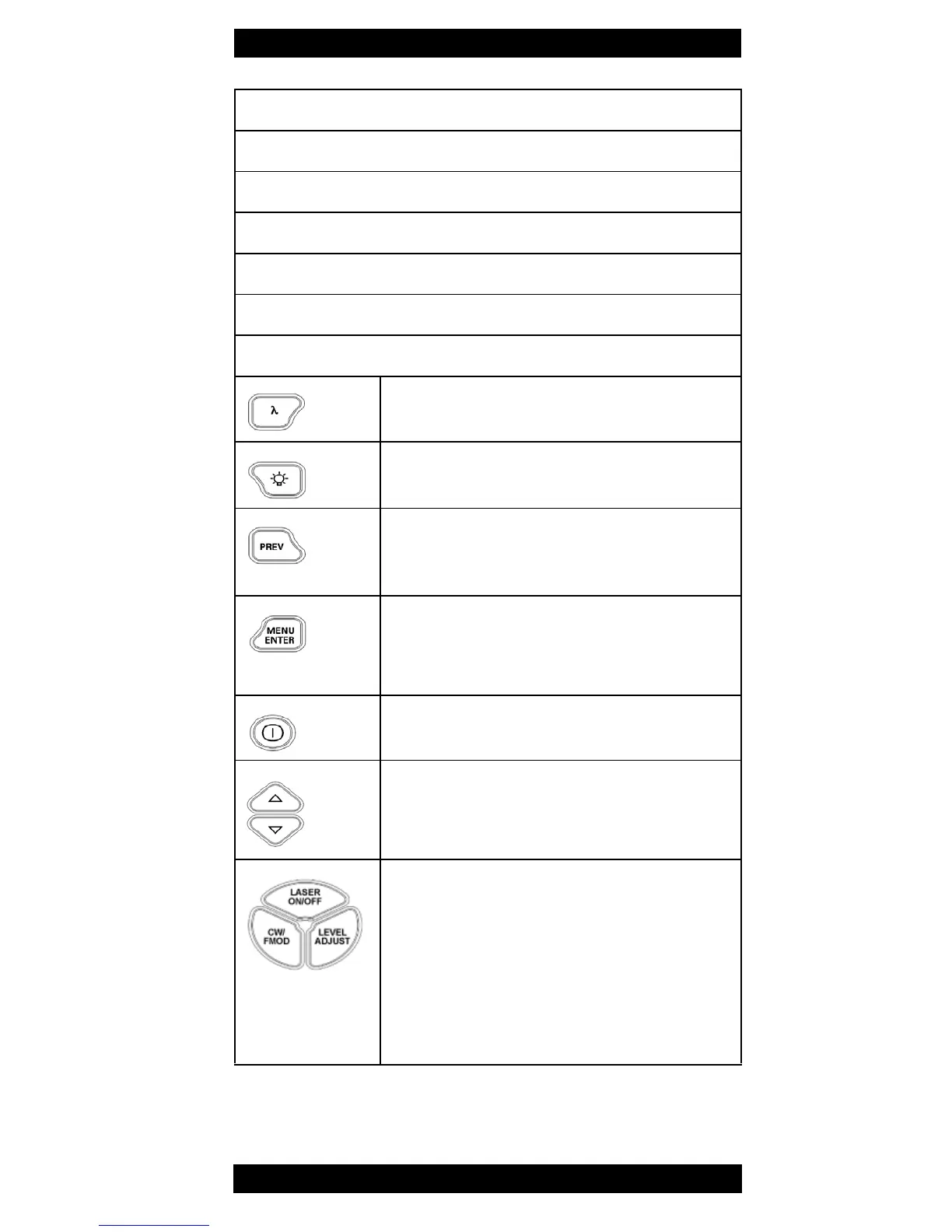
7 Key pad
Wavelength
Select a wavelength from the list
Backlight
Activate display backlight
Previous
Step one menu level backwards
(without storing settings)
Menu/Enter
• Open menu and select menu item
• Store settings
Power On/Off
Switch unit on and off
Up/Down
• Scroll menu up/down
• Change levels and wavelengths
LASER ON/OFF
Switch laser on/off
CW/FMOD
Change modulation type:
CW - 270Hz - 1kHz - 2kHz - CW - ...
LEVEL ADJUST
Change power level
Table 1 Device overview and key pad.



 To Next Page