Acterna OLS-55/-56 15
4 OPERATION
4 OPERATION
Power ON/OFF
⇒ Press to power on the device.
⇒ Press for more than 2 sec. to power off the
device.
The OLS-55/-56 provides two power modes:
• Permanent ON:
the device remains powered on
• Automatic OFF:
the device powers off 20 min. after last key press. This
function is available only in battery mode.
To change power mode
✓ The device is powered on.
1. Press shortly (for less than 2 sec.).
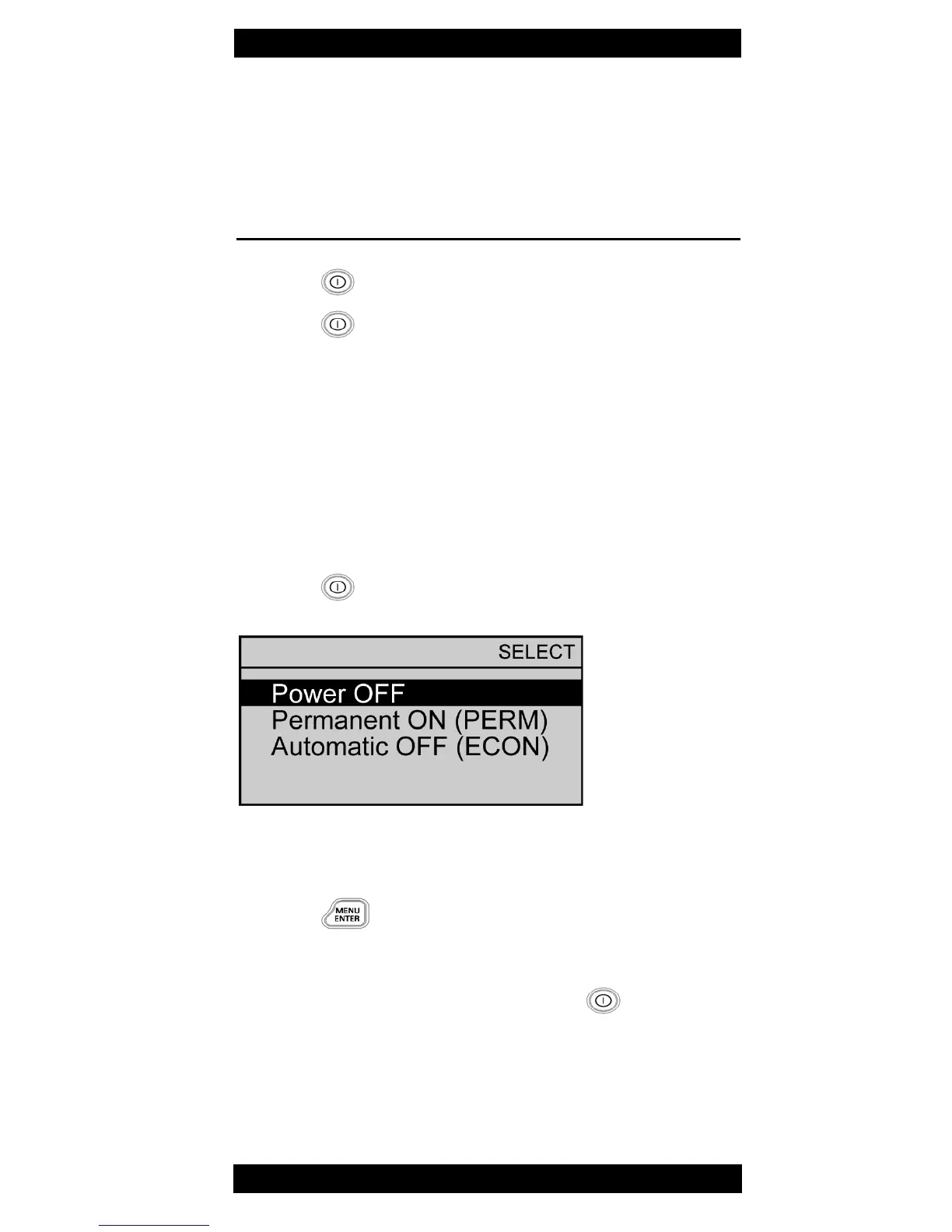
The power mode EDIT menu opens:
Fig. 6 Power mode EDIT menu
2. Select Permanent ON or Automatic OFF.
3. Press to set power mode.
The menu window closes.
Tip: To power off the device, you also can use the Power
OFF item in this menu: Just press button twice
(first press opens the menue, the second selects the
item).



 To Next Page